





Program
Program
and innovate
with cutting-edge robotics technology
and web applications
& Drawing


Program
Program
and innovate
with cutting-edge robotics technology
and web applications
& Drawing
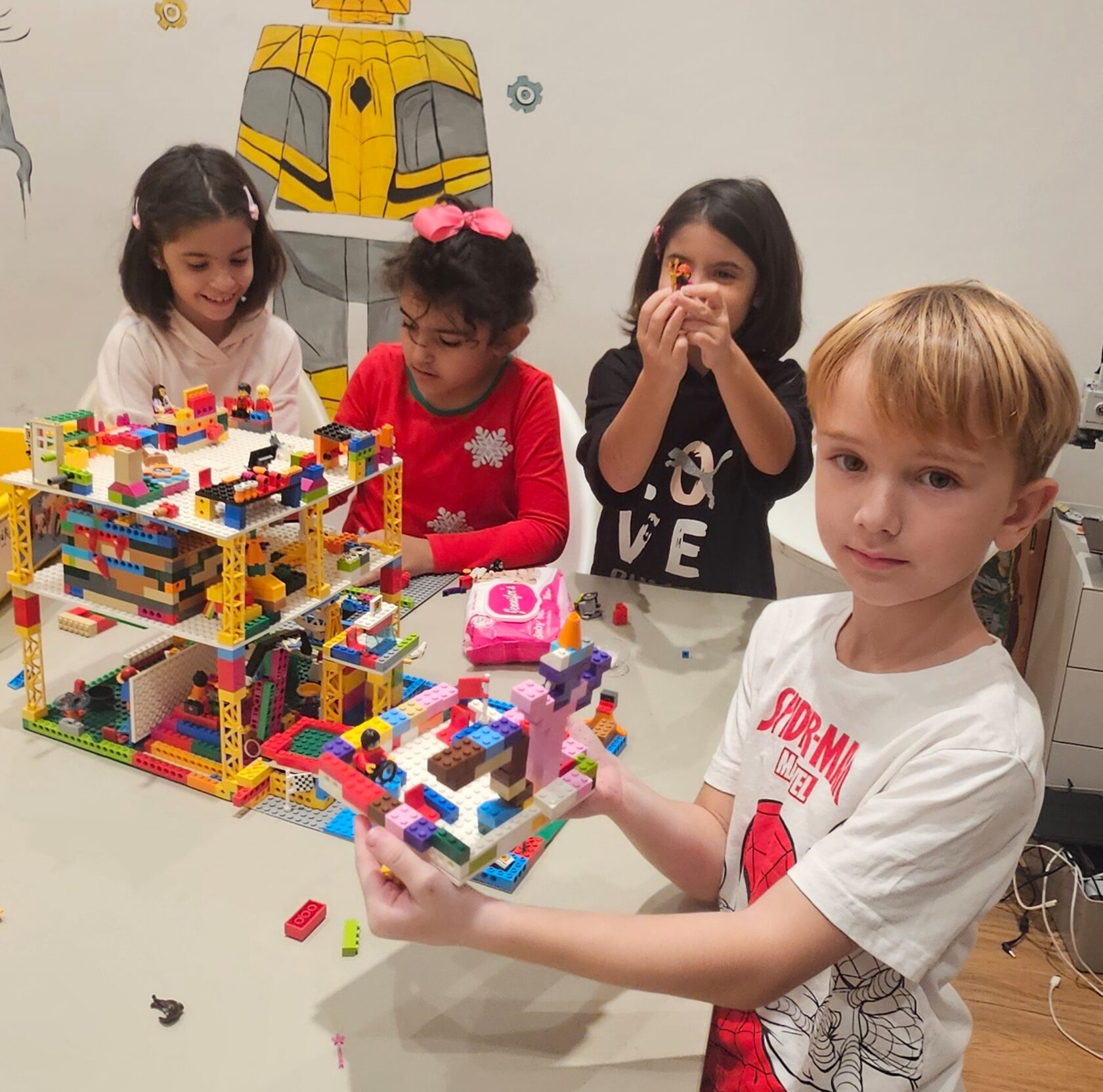
| Module Focus | Key Concepts & Projects | Technical Details |
|---|---|---|
| Mechanical Principles | Simple Machines. Building functional models (vehicles, cranes) using technical building sets. Exploring the function of gears, axles, and pins. | Hands-on building activities where students explore how gears and moving parts work, while learning to create stable and creative structures. |
| Tangible Programming | Smart Train Route Planner. Using color-coded action snaps to program speed, direction, and stopping. Creating complex track layouts with bridges and tunnels. | Foundational algorithmic thinking (sequencing, loops) using tangible programming blocks. Introduction to conditional logic (e.g., “if color is red, stop”). |
| Screen-Free Coding | Interactive Story Map. Programming with physical coding blocks to navigate a story map, incorporating movement, sound, and light. | Mastery of sequencing, iteration (loops), and basic functions through physical block manipulation. Focus on debugging physical movement sequences. |
Show Details Hide Details
Technical Building Sets / Technic
Description: Introduces advanced building techniques and mechanical principles using gears, axles, and pins to create functional models.
What Students Will Do: Build functional models (vehicles, machines with moving parts), experiment with gear combinations, design solutions to mechanical problems.
Skills Gained: Mechanical engineering principles (gears, levers, linkages), problem-solving, design thinking, attention to detail, persistence.
Programming Languages: Not applicable (focus on mechanical construction).
Smart Train System
Description: Introduces basic coding concepts through interactive train play using color-coded action snaps to program train movements, speed, and actions.
What Students Will Do: Design and build tracks, program the train to navigate them using action snaps, create narratives, solve problems requiring precise programming.
Skills Gained: Computational thinking (algorithms, sequencing, conditional logic), problem-solving (debugging train movements), spatial reasoning, creativity.
Programming Languages: Visual, color-coded action snaps (tangible programming).
Bridge Kit, Track Pack, Station & Tunnel Kit
Description: Enhances the smart train experience with additional elements for more intricate and challenging routes.
What Students Will Do: Incorporate bridges, tunnels, and varied track lengths to create complex routes, develop stories and challenges utilizing new track elements.
Skills Gained: Advanced spatial reasoning, creative problem-solving, logical thinking (understanding how accessories affect train movement), persistence.
Programming Languages: Visual, color-coded action snaps (tangible programming).
Screen-Free Coding Robot Set
Description: A screen-free coding program for young children using robots. Students learn basic programming concepts through hands-on activities involving movement, sounds, music, and storytelling, without using screens.
What Students Will Do: Students program robots using buttons and physical coding blocks to control movement, loops, sounds, and dances. They create programs guiding robots through paths, challenges, and creative story-based activities.
Skills Gained: Students develop foundational coding skills such as sequencing, loops, and logical thinking. They also improve problem-solving and debugging abilities while expressing creativity through stories, movement, and sound.
Programming Languages: Screen-free programming using button-based commands and physical coding blocks.
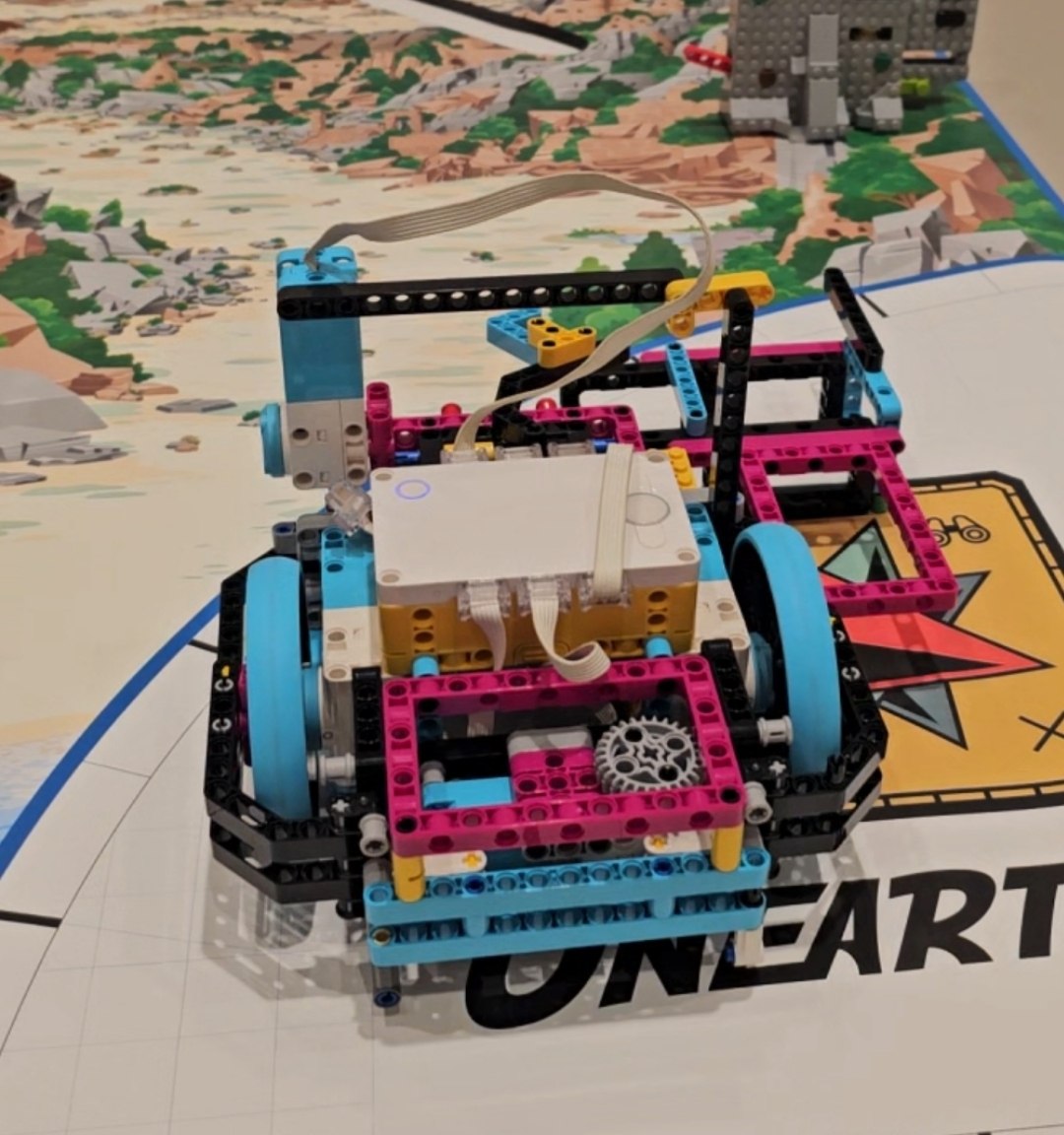
| Module | Key Concepts & Projects | Technical Details (What Students Practice) |
|---|---|---|
| Engineering Foundations & Mechanisms | Moving models, gear-driven mechanisms, simple “machines” (catapult, lift, launcher), and stability challenges. Concepts include structure, balance, motion, force, and friction. Students use educational robotics kits to explore mechanical linkages. | Build strong frames; explore gear ratios and movement transfer; test stability; and iterate for better balance and smoother motion. Students learn how mechanical choices affect performance, including speed, strength, and accuracy. |
| Motors & Controlled Movement | Motorized vehicles, steering robots, and motion missions involving stop points, turns, and speed changes. Concepts include motor power, speed, direction, and timing using educational robotics kits with motors. | Use block coding to create movement sequences: start and stop, timed motion, speed control, turning angles, and repeat patterns. Students debug by observing real robot behavior and adjusting their code. |
| Sensors & Reactive Robotics | Obstacle-avoidance robots, line-following challenges, and “smart stop” distance robots. Concepts include input → decision → output and sensor-based behavior using educational robotics kits with sensors. | Use sensor readings to trigger actions through IF/THEN logic, thresholds, and loops for continuous checking. Students tune sensor sensitivity and learn how autonomous behavior is built from simple rules. |
| Navigation & Mission Robotics | Maze navigation, delivery missions, rescue missions, and checkpoint routes with time or accuracy constraints. Concepts include algorithmic thinking, step-by-step planning, and child-friendly optimization. | Practice sequencing and loops, break missions into manageable steps, and test and refine routes. Students explore ideas such as shorter paths, fewer commands, and more reliable navigation. |
| Creative Robotics & Interactive Builds | Interactive models that respond to touch, motion, or events, including themed animals, vehicles, and simple interactive gadgets. Concepts combine creativity, engineering, cause-and-effect, and design choices. | Combine building and coding through events, loops, and custom behaviors. Creative projects reinforce core logic while supporting consistent progress in both coding and mechanics. |
| Project-Based Robotics (Extension Track) | Advanced personal builds with larger engineering challenges, including smart-car missions, mechanism expansions, walking and balance challenges, gait patterns, and obstacle tasks. Concepts include independent project ownership and real prototyping. | Follow a complete project cycle: plan → build → assemble → program → test → improve → present. Students practice troubleshooting, mechanical reinforcement, calibration, controlled movement, stability, navigation, and block-based coding. Advanced students may also be introduced to Python concepts and text-based logic. |
Learn MoreHide Details
Description
Robotics (Ages 6–8) is a hands-on engineering and coding course where children learn by building real robots and completing exciting missions. Rather than following a rigid lesson-by-lesson script, the course uses a structured skills framework that lets each child explore vehicles, sensors, interactive builds, and other interests while teachers ensure consistent progress in mechanisms, motor control, sensor logic, navigation, and project design.
What Students Will Do
- Build mechanical systems with moving parts, stable structures, and motion-transfer mechanisms using technical building sets and educational robotics kits.
- Program motorized robots to control speed, direction, timed movement, turns, and repeatable sequences.
- Create sensor-based robots that react to the environment through line following, obstacle avoidance, and smart stopping.
- Complete navigation missions such as maze paths, delivery tasks, rescue challenges, and checkpoint routes.
- Design creative interactive robots where imagination guides the build and coding controls the behavior.
- Join an optional project-based extension and take ownership of a larger build focused on balance, gait, controlled movement, or mission performance.
Skills Gained
- Engineering Thinking: structure, stability, mechanisms, and real-world problem-solving.
- Coding Foundations: sequences, loops, conditions, and debugging through real robot behavior.
- Autonomous Logic: using sensors to make decisions through input → logic → output.
- Design & Iteration: testing, improving, calibrating, and optimizing performance.
- Confidence & Communication: explaining how a robot works and presenting a finished project.
Programming
Students primarily use block-based visual programming. Advanced learners may receive an age-appropriate introduction to Python concepts, focusing on logic and program structure without converting the full course to text-based coding.
Outcome
By the end of the course, students can confidently build and program robots that move with control, respond to sensors, and complete structured missions. Many students will also finish with a personal showcase project from the Project-Based Robotics extension track.
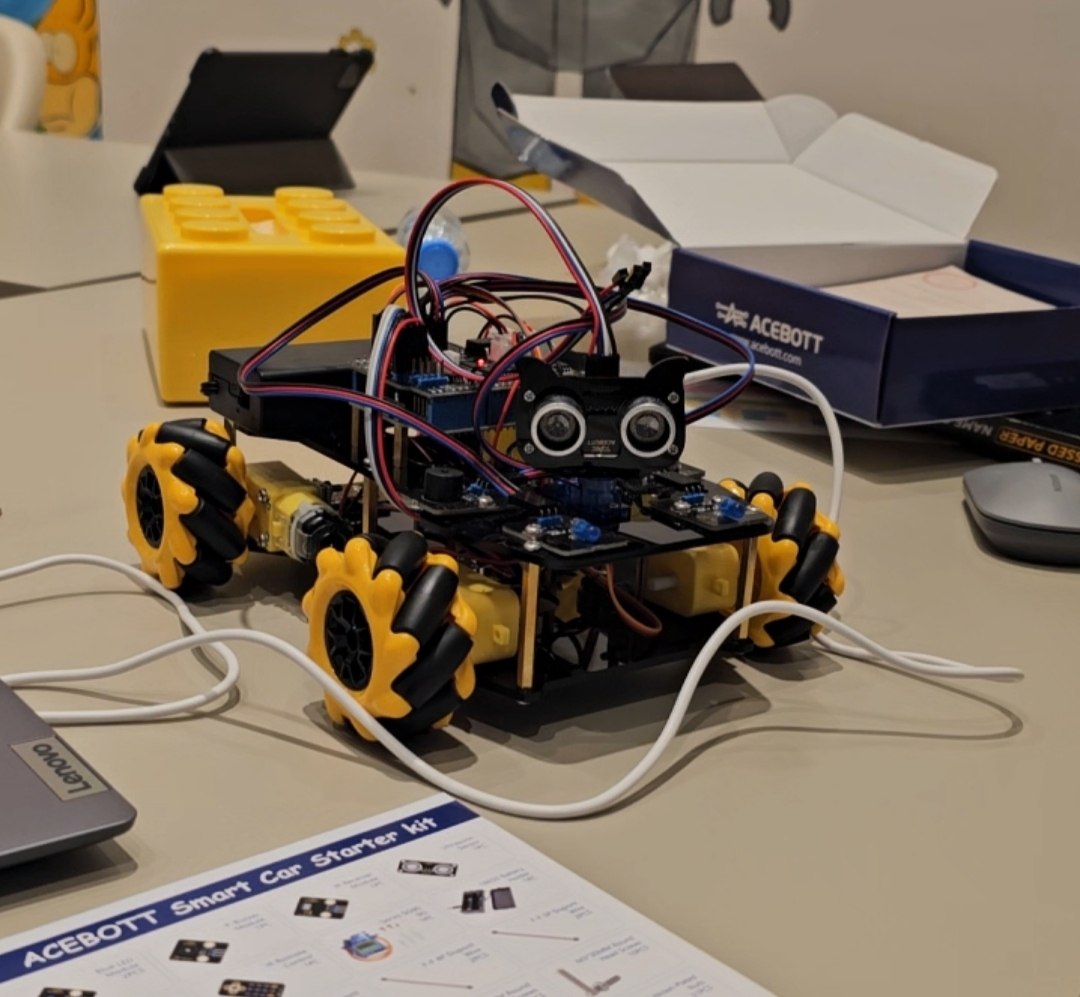
| Module Focus | Key Concepts & Projects | Technical Details + Programming Languages + Kits |
|---|---|---|
| Engineering Systems & Mechanisms (Advanced) | Complex structures, geared transmissions, suspension concepts, stability under load, and motion optimization. Students explore load, balance, torque, motion transfer, structural reinforcement, iterative testing, and performance tuning. | Tools: technical building sets. Programming is not required for every build; when control is needed, students use SPIKE or other block-based programming environments. |
| Mobile Robotics & Field Navigation | Multi-terrain rover challenges, rescue missions, and autonomous navigation routes. Students develop advanced movement control through steering modes, speed and torque tuning, stability on uneven surfaces, and navigation patterns. | Tools: educational robotics kits. Programming: block-based visual programming with loops, conditionals, and sensor logic. |
| Sensors, Smart Systems & AI Concepts | Smart detection tasks using distance, gesture, light, and sound; interactive devices; and AI-inspired recognition-based reactions. Students work with the full process of sensor data → decisions → actions, including thresholds and basic multi-sensor logic. | Tools: AI electronics module kits and educational electronics. Programming: block-based coding with structured logic patterns; optional introduction to Python concepts for advanced students. |
| Microcontroller Engineering | Smart gadgets, alarms, reaction systems, mini IoT-style prototypes, and wearable or interactive devices. Students work with inputs and outputs, LED displays, buttons, accelerometers, simple data logic, and event-based programming. | Tools: educational microcontrollers and compatible electronics module kits. Programming: block-based coding as the primary pathway, with an optional JavaScript view for advanced learners. |
| Microcontroller Foundations & Real Electronics Prototyping | Sensor modules, motor control, lighting systems, and basic automation prototypes. Students learn safe circuit basics, wiring, power concepts, sensors, actuators, and how to debug hardware and software together. | Tools: electronics starter kits for microcontrollers. Programming: block-based entry where available, followed by a teacher-guided transition toward introductory C/C++ for confident students. |
| Project-Based Robotics (Kit-Based Builds) | Mission robots and themed builds using dedicated kits: walking and legged robots, spider gait, robotic-arm tasks, smart-car missions, and weather-station projects. Students build complete systems, program behavior, and complete performance challenges. | Tools: educational robot kits for walking robots, spider robots, robotic arms, smart cars, and weather stations. Programming: mainly block-based visual environments, with optional Python concepts where supported. |
| Full-Cycle Robotics Engineering & Fabrication | Capstone projects in which students design a task-specific robot from concept to working prototype, such as a delivery robot, sorting robot, sensor rover, or robotic device. The process includes concept development, sketches, CAD design, fabrication, assembly, wiring, integration, programming, testing, iteration, and final presentation. | Programming: block-to-text progression based on readiness, including block-based coding, Python concepts, and microcontroller fundamentals. Tools: CAD software, 3D printing, laser cutting or engraving, electronics, sensors, motors, and controllers. |
Learn MoreHide Details
Description
Robotics (Ages 9+) is an advanced, project-driven engineering program where students build complete robotic systems, work with electronics and sensors, and develop the mindset of young engineers. Instead of following one rigid step-by-step pathway, the course uses a structured skills framework that lets students explore robotics, AI-inspired sensors, microcontrollers, and fabrication while teachers ensure consistent progress in mechanics, autonomous behavior, electronics integration, and real prototyping.
What Students Will Do
- Build strong mechanical systems and test their performance under real constraints using technical building sets.
- Program mobile robots for navigation missions, rescue scenarios, and multi-terrain challenges.
- Develop sensor-driven and AI-inspired behaviors using smart detection modules.
- Create microcontroller projects, interactive devices, alarms, and IoT-style prototypes.
- Learn real electronics prototyping with sensors, actuators, circuits, and hardware-software debugging.
- Complete kit-based robotics projects such as walking robots, spider robots, robotic arms, smart cars, and weather stations.
- Design a custom robot through a full engineering and fabrication cycle using CAD, 3D printing, laser cutting, electronics integration, programming, testing, and presentation.
Skills Gained
- Engineering & Mechanics: structural design, stability, motion systems, torque, reinforcement, and iterative improvement.
- Coding & Logic: loops, conditionals, functions, structured logic patterns, and debugging through real robot behavior.
- Electronics & Sensors: wiring discipline, sensor reading, actuator control, calibration, and system troubleshooting.
- Design & Fabrication: CAD thinking, prototype iteration, build accuracy, and a practical production mindset.
- Professional Skills: planning, documentation, teamwork, project ownership, and presentation of a finished engineering solution.
Programming Languages & Platforms
Primary pathway: block-based visual programming environments.
Progression options for advanced students include introductory Python concepts, teacher-guided C/C++ fundamentals, and JavaScript views where supported. Students also work with CAD software, 3D printers, laser cutters or engravers, microcontrollers, electronics modules, and robotics kits.
Outcome
By the end of the program, students can build complete robotic systems, integrate sensors and controllers, program autonomous behavior, and—at the highest level—create a custom robot through a full engineering cycle that includes design, fabrication, assembly, testing, iteration, and presentation.
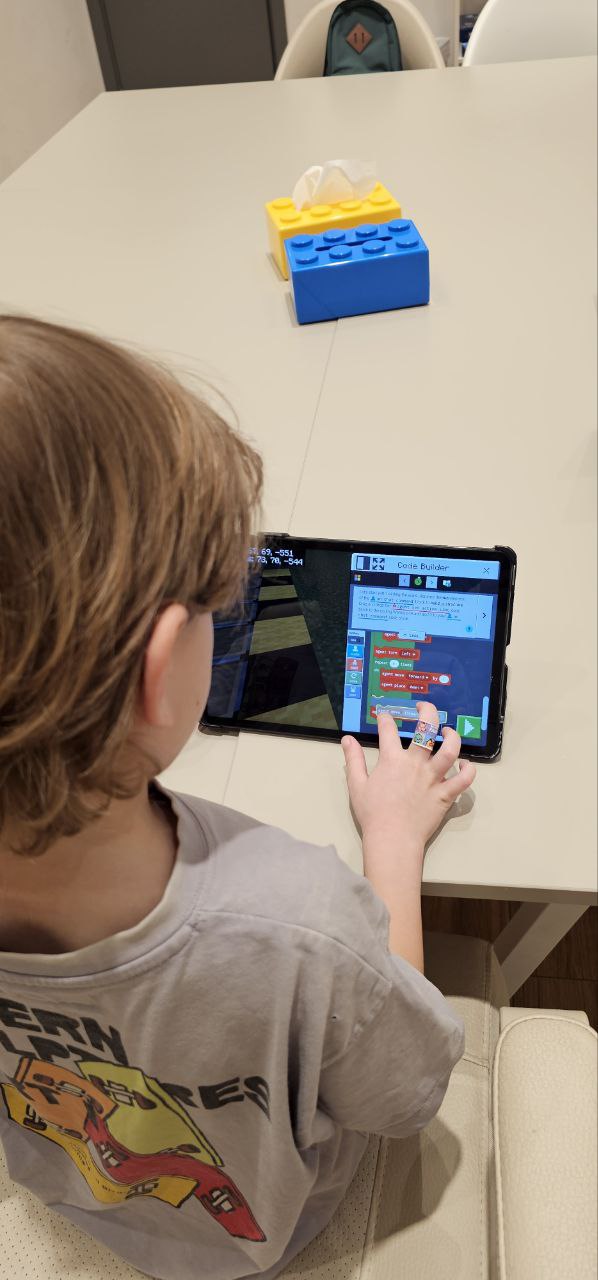
| Module | Core Focus | Platforms | Technical Skills |
|---|---|---|---|
| Game Coding Foundations | Building programming logic through animations and mini-games with rules, movement, scoring, and events. | Visual programming platforms and block-based coding environments. | Sequencing, loops, conditions, events, variables, and introductory debugging. |
| Agent Automation in 3D | Programming digital agents to build, collect, navigate, and solve structured tasks inside a 3D world. | Educational game platform with Code Builder. | Algorithms, loop automation, spatial logic, task optimization, and learning through simulation feedback. |
| Redstone Digital Engineering | Creating working machines using logic gates, sensors, triggers, and timed circuits. | Educational game platform with Redstone systems. | AND, OR, and NOT logic; inputs and outputs; timing; triggers; and engineering mechanisms such as doors, traps, and lifts. |
| Hybrid Systems: Code + Redstone | Building functional factories, puzzles, farms, and automated systems by combining mechanical logic with code. | Educational game platform using Redstone and Code Builder. | Multi-component automation, conditional logic, efficiency tuning, prototyping, testing, and refinement. |
| Applied Game Systems & Multiplayer Design | Designing mission-based worlds with scoring, progression, teamwork, or friendly competition. | Educational game platform. | Scoreboards, timers, rule design, balanced gameplay, feedback loops, and introductory user-experience thinking. |
| Python for Digital Automation | Transitioning from visual blocks toward text programming and using code to create real behaviors and automation. | Python inside the game platform, progressing from block-based coding to text. | Functions, variables, loops, conditionals, debugging, refactoring, and text-based control. |
| Capstone Engineering Project | Creating a complete engineered world or game system from the initial idea through testing and presentation. | Mixed tools: educational game platform, optional Python, and visual programming environments. | Project architecture, coding, optimization, documentation, teamwork, and public presentation. |
Learn More Hide Details
Description
The Creative Coding Foundations Program introduces students ages 7–8 to coding through play-based engineering, interactive storytelling, and logic-driven game creation. Children learn to think like programmers by controlling characters, designing challenges, and creating automated actions inside visual and game-based environments.
The emphasis is not on typing complex code. Students first learn how to think logically, solve problems, test ideas, and create digital experiences with clear purpose.
Platforms
Educational game platforms, visual programming and block-based coding environments, and introductory coding education tools.
Core Educational Concept
At this age, coding is most effective when it is exploratory, visual, and hands-on. Students learn sequences, conditions, loops, events, and basic variables through storytelling, puzzle-solving, creative building, and immediate visual feedback.
What Students Will Do
- Create animations, stories, and mini-games with character movement, effects, rules, and interactions.
- Use visual code to control digital agents for building, collecting, and navigation tasks.
- Apply loops and conditional rules to automate structures and repeated actions.
- Design challenges with goals, rewards, obstacles, scoring, and win or loss conditions.
- Create puzzles, mazes, parkour paths, and story worlds with interactive triggers.
- Collaborate on shared builds and team challenges while explaining how their logic works.
- Practice debugging by testing projects, finding errors, and improving solutions through trial and iteration.
Technical Skills
- Sequencing, step-by-step logic, and command execution.
- Loops, conditional rules, and event-based behavior.
- Variables, scoring systems, timers, goals, and simple game mechanics.
- Programming digital agents with visual block commands.
- Early debugging, testing, and logic correction.
- Introductory transition from block-based coding to Python concepts.
Thinking & Learning Skills
- Spatial reasoning through action inside 3D environments.
- Mathematical thinking with coordinates, quantities, comparisons, and patterns.
- Attention, planning, and incremental problem-solving.
- Connecting creative ideas with logical rules and technical feasibility.
Social & Creative Skills
- Visual storytelling and expressive digital design.
- Teamwork through shared building and pair programming.
- Explaining logic verbally and discussing how a project was made to work.
- Presenting a finished digital project with confidence and clarity.
Outcome
By the end of the program, students can plan and build interactive digital projects, use visual programming concepts confidently, automate actions in a 3D environment, test and debug their work, and explain the logic behind a finished game or creative coding project.
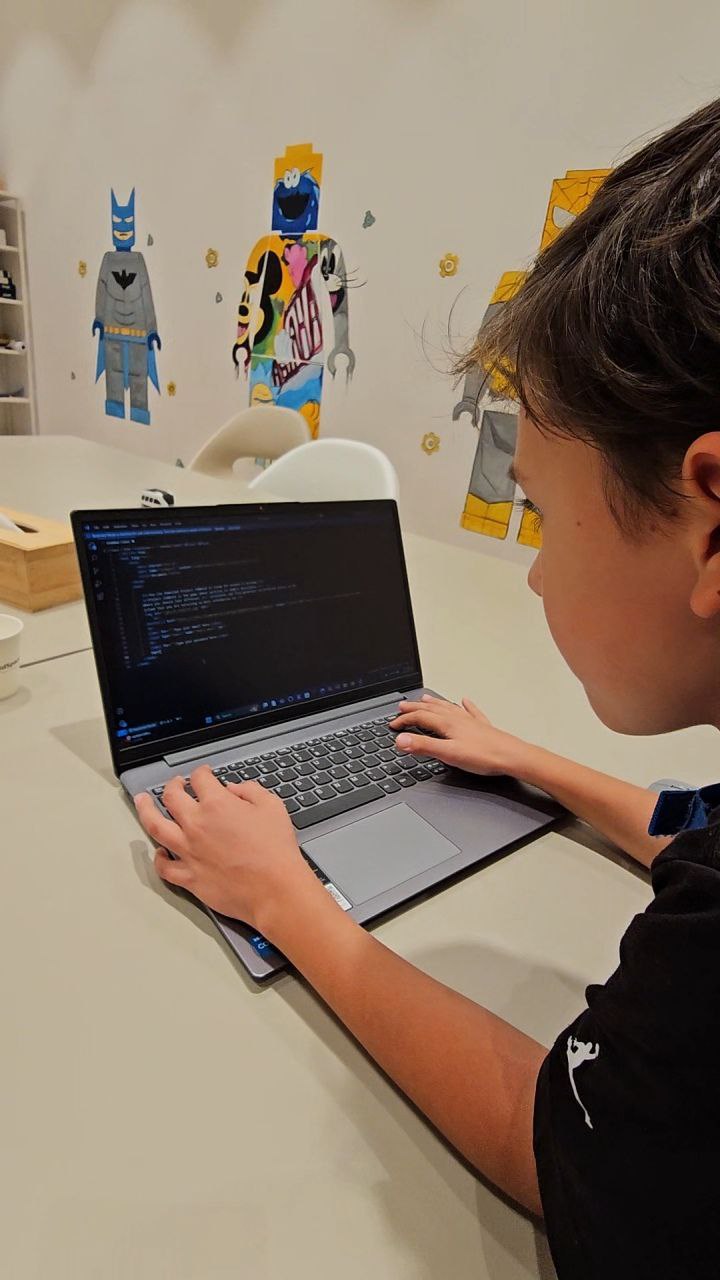
| Module | Core Focus | Primary Platforms | Technical Skills |
|---|---|---|---|
| Advanced Game Logic & UI Design | Designing multi-level games, scoring systems, interactions, and user-interface elements. | Visual programming platform. | Nested loops, logical conditions, cloning, lists, custom blocks, and user-interface design. |
| Agent Automation & Algorithms in 3D | Solving engineering puzzles through automated agent tasks and spatial programming logic. | Educational game platform with block-based programming. | Pathfinding, 3D coordinates, reusable algorithms, task optimization, testing, and debugging. |
| Redstone Engineering for Programmers | Designing digital machines with logic gates, sensors, triggers, and timed circuits. | Game platform using Redstone and Code Builder tasks. | AND, OR, and NOT gates; event triggers; timed circuits; and simulation of hardware-style systems. |
| Hybrid Systems: Games + Engineering | Combining Redstone mechanisms with coded behavior to create smart systems, puzzles, and traps. | Educational game platform. | System integration, conditional triggers, variables, iteration cycles, and performance tuning. |
| Transition to Text Coding | Using first text-based commands and simplified syntax to solve structured coding puzzles. | Coding education platforms and block-based programming with a progression toward Python view. | Functions, arguments, variables, syntax rules, code structure, and error debugging. |
| App & Game Systems with Interface Logic | Creating applications or multiplayer game systems with screens, events, logic, and stored data. | Coding education, game-development, and app-development platforms. | UI and UX logic, events, event listeners, arrays or lists, data storage, and state control. |
| Capstone: Smart Interactive Environment | Developing a complete interactive system that combines automation, interface logic, and event-driven mechanics. | Mixed tools: educational game platform, visual programming, and app-development environments. | Full development cycle, documentation, optimization, gameplay balancing, teamwork, and presentation. |
Learn More Hide Details
Description
The Coding & Game Engineering Program for ages 9–10 is a long-term, project-based curriculum that develops algorithmic thinking, an engineering mindset, and creative coding skills through practical work in interactive game environments.
Students learn programming by designing systems, automating tasks, and engineering interactive worlds in a workflow similar to that used by developers and game designers.
Platforms
Educational game platforms, block-based programming, visual programming environments, coding education tools, game-development platforms, and introductory app-development systems.
Core Educational Concept
Programming is taught through practical engineering inside interactive environments. Students use 3D worlds for automation and spatial logic, visual programming for complex game architecture, and interface-based development tools for dashboards, menus, and user-controlled systems.
What Students Will Do
- Design and program multi-level games with rules, scoring, effects, and player interactions.
- Automate digital agents to build structures, collect and sort resources, navigate routes, and solve challenges.
- Construct Redstone-based machines such as elevators, sorting systems, traps, doors, timers, and sensors.
- Combine mechanical systems with coded automation to create hybrid engineering projects.
- Build mission worlds with puzzles, stages, obstacles, and structured gameplay progression.
- Design dashboards, score trackers, mission prompts, menus, and other user-interface elements.
- Begin transitioning toward text-based logic and Python-style syntax through advanced block-programming concepts.
Each project follows a professional workflow: Concept → Planning → Coding → Testing → Debugging → Presentation.
Technical Skills
- Advanced event logic, conditions, nested loops, functions, variables, and lists.
- Game mechanics and system-based game design.
- 3D computational logic using coordinates, pathfinding, and resource optimization.
- Hybrid systems that combine Redstone engineering with coded automation.
- User-interface logic, events, state control, and data storage.
- Preparation for text-based programming and Python syntax.
Engineering & Thinking Skills
- Algorithmic and systemic problem-solving.
- Applied mathematics with coordinate grids, time, rates, quantities, and comparisons.
- Error analysis, debugging, optimization, and iterative improvement.
- Product-design thinking and balancing complex game systems.
Social & Creative Skills
- Teamwork through shared system planning and divided project responsibilities.
- Presenting results, explaining program logic, and justifying design choices.
- Creativity grounded in functionality and purposeful design.
- Reflective thinking and redesigning a system to improve its performance.
Outcome
By the end of the program, students can plan and build multi-component digital systems, automate tasks in 3D environments, create game and interface logic, debug and optimize their projects, and begin moving confidently from block-based programming toward text coding.
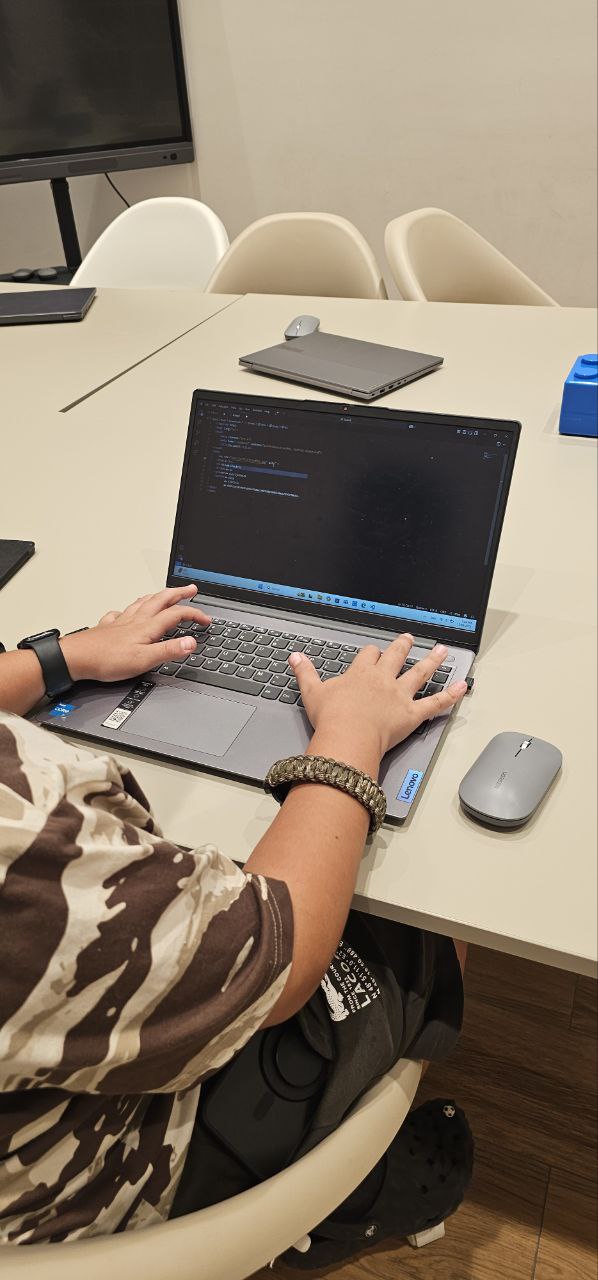
| Module | Core Focus | Primary Platforms | Technical Skills |
|---|---|---|---|
| Python Fundamentals in 3D | Learning real Python syntax, functions, loops, and events by controlling objects and systems in a 3D environment. | Python in an educational game platform. | Variables, functions, loops, Boolean logic, events, syntax rules, and debugging. |
| Data-Driven Automation | Building systems that store, process, and display information through inventories, logs, triggers, and dashboards. | Python, educational game platform, and app-development platform. | Lists and arrays, local and global variables, stacked conditions, state tracking, and data visualization. |
| Intelligent Engineering Systems | Creating code-controlled smart devices such as doors, transport systems, and robotics-inspired mechanisms. | Educational game platform using Python and Redstone-style engineering. | Sensors, timers, event listeners, hardware simulation, system integration, and optimization. |
| Interface Coding & Control Panels | Designing management dashboards that receive user input and control automated systems. | App-development platform and Python. | UI inputs, parameter passing, API-style thinking, event handling, and multi-screen logic. |
| Multiplayer Logic & Access Control | Building systems with team roles, permissions, shared resources, scoring rules, and controlled access. | Python in an educational game platform. | Authorization logic, state control, data synchronization, conditional triggers, and fairness rules. |
| Applied Digital Design & Micro-Projects | Exploring optional hardware and software crossover projects, including enclosures and physical interaction concepts. | MicroPython and CAD software, where appropriate. | Microcontroller logic, enclosure design, prototyping, and user experience for real-world coding projects. |
| Capstone Engineering Product | Developing a complete digital product that combines Python automation, interface design, and interactive world logic. | Mixed tools: Python, app-development platform, and educational game platform. | Documentation, versioning mindset, modular architecture, testing, deployment planning, and presentation. |
Learn More Hide Details
Description
The Python & Digital Systems Engineering Program is a long-term course for students ages 11–12 who are ready to move beyond introductory block-based coding and begin building complete digital systems with real programming logic.
Students use Python, interface design, automation, and data-driven thinking to create systems that respond to users, control digital environments, and solve practical engineering challenges.
Platforms
Python in educational game environments, app-development platforms, CAD software and Codeblocks where appropriate, visual programming tools for object-oriented logic, and optional MicroPython projects.
What Students Will Do
- Write Python code to control agents, objects, mechanics, events, and interactive systems in a 3D environment.
- Build data-based systems such as inventory trackers, mission logs, scoreboards, timers, and state-management tools.
- Engineer smart machines including elevators, sorting systems, teleport systems, automated farms, and digital factories.
- Create control dashboards and applications with multiple screens, buttons, sliders, inputs, and data outputs.
- Design systems where users choose roles, receive permissions, and interact with shared resources and rules.
- Model real engineering logic through automation, resource balancing, access control, and intelligent behavior.
- Optionally connect code with MicroPython projects and CAD-based mechanical design.
Projects follow a developer workflow: Goal → System Plan → Code → Test → Debug → Optimize → Deploy → Present.
Technical & Coding Skills
- Python syntax, functions, loops, Boolean logic, events, and reusable code structures.
- Data structures including lists and an introduction to dictionaries.
- UI programming, multi-screen applications, and input-output logic.
- Data-driven automation using flags, events, state tracking, and logs.
- Multiplayer systems with role-based access and fairness rules.
- Hardware-style simulation through Python and Redstone-inspired engineering.
- Code organization, modular architecture, comments, and technical documentation.
Engineering & Thinking Skills
- Breaking complex systems into smaller modules and responsibilities.
- Debugging through analysis, testing, and refactoring.
- Resource optimization and efficiency tuning.
- Designing fair rules and balanced user experiences.
- Developing a version-control and documentation mindset.
Creativity & Communication Skills
- Solution-oriented creativity grounded in technical feasibility.
- Technical communication through diagrams, specifications, and structured explanations.
- Designing a polished and understandable user experience.
- Presenting engineering logic and explaining planning decisions.
Outcome
By the end of the program, students can design and build modular Python-based systems, connect interfaces with automation and data, manage user roles and states, debug complex projects, and present a finished engineering product with clear documentation.
| Module | Core Focus | Primary Platforms | Technical Skills |
|---|---|---|---|
| LEVEL 1 24 lessons / 24 hours | Python Foundations & Coding Habits | Python IDE, with optional applied tasks in an educational game platform. | Syntax basics, variables, naming, input/output, comments, clean formatting, and debugging fundamentals. |
| Python Foundations & Coding Habits | Understanding how programs work and learning to write clear, correct Python code. | Python IDE, with optional applied tasks in an educational game platform. | Syntax basics, variables, naming conventions, input/output, comments, formatting, and basic debugging. |
| Data Types & Operators | Using the correct data types and operators to build reliable program logic. | Python. | Integers, floats, strings, Booleans, type conversion, arithmetic operators, comparisons, and logical operators. |
| Conditions & Decision Logic | Making programs respond to different inputs and situations. | Python, with optional game-based scenarios. | if, elif, else, comparisons, Boolean logic, nested decisions, and readable decision trees. |
| Loops — Introduction | Automating repeated actions and building simple repetitive processes. | Python, with optional educational game-platform tasks. | for and while loops, counters, simple patterns, stopping conditions, and avoiding infinite loops. |
| Mini-Projects & Checkpoints | Combining foundational skills in small, complete programming projects. | Python and optional educational game-platform projects. | Combining variables, conditions, and loops; testing; basic debugging; and presenting a finished result. |
| LEVEL 2 24 lessons / 24 hours | Structured Programming & Applied Automation | Python and an educational game platform. | Advanced loops, lists, functions, reusable code, decomposition, applied automation, and project workflow. |
| Loops — Advanced & Efficiency | Building reliable automation and improving the efficiency of repeated processes. | Python and educational game-platform challenges. | Nested loops, loop control, pattern generation, testing, and an early performance mindset. |
| Lists & Data Handling | Storing, organizing, searching, and processing collections of information. | Python. | Lists, indexing, iteration, aggregation, searching, updating values, and common data-processing patterns. |
| Functions & Modular Code | Breaking programs into clear, reusable parts. | Python. | Defining functions, parameters, return values, decomposition, code reuse, readability, and documentation. |
| Applied Automation Challenges | Using Python logic to solve practical, multi-step automation tasks. | Python and an educational game platform. | Rule-based automation, sequencing, planning, testing, iteration, debugging, and optimization. |
| Project Portfolio — Level 2 | Creating a set of complete projects that demonstrate growing programming ability. | Python and optional educational game-platform contexts. | Project workflow: plan → build → test → refine; documentation; presentation; and reflective improvement. |
| LEVEL 3 24 lessons / 24 hours | Exam Accuracy, Code Analysis & Capstone Development | Python, exam-style worksheets, and an optional certification pathway. | Code tracing, output prediction, error correction, topic consolidation, mock tasks, capstone development, and readiness evaluation. |
| Code Reading & Accuracy | Understanding unfamiliar code and analyzing program behavior accurately. | Python and exam-style worksheets. | Tracing logic, predicting output, identifying errors, fixing code efficiently, and explaining program behavior. |
| Certification Topic Consolidation | Structured revision of all core Python foundations. | Python and an optional certification pathway. | Mastery of conditions, loops, lists, functions, data types, and accuracy under task constraints. |
| Exam Practice & Mock Tasks | Building confidence, speed, and accuracy through realistic practice. | Python and an optional certification pathway. | Timed tasks, accuracy strategies, common error patterns, revision routines, and exam-style problem solving. |
| Capstone Project — Full Workflow | Creating a complete Python project as evidence of practical programming competence. | Python IDE, with an optional educational game-platform context. | Design, implementation, testing, debugging, modularity, clean code, documentation, and presentation. |
| Certification Readiness Pathway — Optional | Assessing readiness and preparing for a Python certification exam. | Optional certification body or certification platform. | Readiness checklist, targeted practice plan, final evaluation, exam strategy, and teacher recommendation. |
Learn More Hide Details
Description
Python Programming 13+ is a comprehensive three-level course designed to take students from their first lines of Python to confident independent programming and optional certification readiness.
The program develops accuracy, logical thinking, clean coding habits, debugging discipline, and the ability to complete real projects from initial planning to final presentation.
Level 1 — Python Foundations
24 lessons / 24 hours. Students learn how Python programs work and establish correct coding habits from the beginning. The priority is confidence and accuracy rather than speed.
What Students Will Do:
- Write short Python programs using input, output, calculations, and variables.
- Create decision-making logic with if, elif, and else.
- Use loops to automate simple tasks.
- Practice debugging, readable formatting, and clear naming.
- Complete mini-projects that combine several foundational skills.
Skills Gained: Python syntax, variables, data types, conditions, introductory loops, debugging habits, and confidence writing simple programs independently.
Level 2 — Structured Programming
24 lessons / 24 hours. Students progress from writing individual code fragments to building structured programs with data, reusable functions, and multi-step logic.
What Students Will Do:
- Solve multi-step problems using loops and conditions.
- Use lists to store, search, and process data.
- Create reusable code with functions, parameters, and return values.
- Complete applied automation challenges through planning and testing.
- Build a small portfolio of complete Python projects.
Skills Gained: Advanced loop logic, data handling with lists, modular code, decomposition, longer-form debugging, project planning, and documentation.
Level 3 — Exam Skills & Capstone
24 lessons / 24 hours. This level focuses on code analysis, exam-level accuracy, structured revision, and the creation of a final capstone project.
What Students Will Do:
- Trace code, predict output, identify bugs, and correct errors.
- Consolidate all core Python topics through structured revision.
- Complete mock tasks and targeted practice sets.
- Build a capstone project using the full workflow: plan → build → test → present.
- Follow an optional readiness pathway for a Python certification exam.
Skills Gained: Strong code-reading ability, higher accuracy and speed, confident debugging, clean coding discipline, modular development, and presentation of a complete technical project.
Platforms & Tools
Python IDE, optional educational game-platform tasks, exam-style worksheets, project documentation tools, and an optional certification platform.
Outcome
By the end of all three levels, students can write clear Python programs, work with conditions, loops, lists, and functions, debug and analyze code, complete independent projects, and—where appropriate—prepare for a Python certification exam.
| Module Focus | Key Concepts & Projects | Technical Details, Components & Programming |
|---|---|---|
| Basic Electronics & Circuit Design | Build simple circuits, LED arrays, buzzer systems, and switch-controlled projects while learning voltage, current, resistance, Ohm’s law, breadboard prototyping, and schematic reading. | Components include resistors, capacitors, LEDs, switches, breadboards, jumper wires, and digital multimeters. Programming is not required initially; the focus is on electrical principles and safe circuit construction. |
| Microcontroller Programming | Create blinking-light systems, temperature monitors, servo-controlled mechanisms, buzzer alerts, and LCD-display projects. Students begin controlling physical hardware through code. | Microcontroller board, temperature, light, and motion sensors, servos, motors, buzzers, and displays. Programming covers a development environment, introductory C/C++ syntax, and digital and analog input/output. |
| Sensor Networks & Data Collection | Build weather stations, motion detectors, distance systems, and light-sensing projects while collecting, calibrating, and logging environmental data. | Environmental and ultrasonic sensors, SD-card modules, and real-time clock modules. Programming includes sensor calibration, serial communication, structured readings, and data logging. |
| Internet of Things Fundamentals | Connect devices to Wi-Fi, create remote-monitoring systems, send readings to cloud services, and explore how physical devices communicate with online platforms. | Wi-Fi-enabled microcontrollers, Wi-Fi modules, and cloud platforms. Programming includes network connection, HTTP requests, introductory cloud APIs, remote dashboards, and mobile-app integration. |
| Wireless Communication & Protocols | Create remote controls, wireless sensor nodes, Bluetooth devices, and infrared communication projects while comparing different connection methods. | Bluetooth, radio-frequency, and infrared modules. Programming covers serial communication, basic protocol implementation, message exchange, and peer-to-peer connections. |
| Smart Home Automation | Develop automated lighting, security alerts, climate-monitoring systems, and other projects that combine multiple sensors and actuators into one coordinated solution. | Relays, smart-control modules, sensors, lights, buzzers, motors, and displays. Programming includes state machines, schedules, user controls, system integration, and introductory security considerations. |
| Capstone IoT Project | Design and build an original connected-device project from initial concept to a working demonstration, integrating electronics, programming, communication, and user interaction. | Student-selected components based on project goals. The development process includes architecture, circuit prototyping, hardware integration, cloud or mobile connectivity, testing, documentation, and presentation. |
Learn More Hide Details
Description
Electronics & IoT 8+ is a hands-on program that introduces students to electronic circuits, microcontroller programming, sensors, wireless communication, and connected-device technologies.
Students learn how digital instructions can control real components and how electronic systems can collect information, make decisions, and communicate through the internet.
What Students Will Do
- Build and analyze circuits using resistors, LEDs, capacitors, switches, and other electronic components.
- Program microcontrollers to read sensors and control lights, motors, servos, buzzers, and displays.
- Create environmental data-collection systems and sensor networks.
- Connect devices to Wi-Fi and send information to cloud dashboards or mobile interfaces.
- Experiment with Bluetooth, radio-frequency, and infrared communication.
- Develop smart-home systems that combine multiple sensors and actuators.
- Complete an original capstone project that integrates hardware, code, and connectivity.
Skills Gained
- Electronics: circuit theory, component functions, schematic reading, safe prototyping, and measurement.
- Programming: hardware control, digital and analog input/output, sensor processing, timing, and communication logic.
- IoT Concepts: connected devices, cloud platforms, dashboards, APIs, and mobile interfaces.
- Troubleshooting: identifying hardware and software faults through structured testing.
- Engineering Thinking: designing systems that connect digital logic with physical behavior.
Components & Technologies
- Microcontroller boards and Wi-Fi-enabled microcontrollers.
- Temperature, humidity, light, motion, sound, and distance sensors.
- LEDs, motors, servos, buzzers, relays, and displays.
- Wi-Fi, Bluetooth, radio-frequency, and infrared communication modules.
- Cloud dashboards, data services, and MQTT-style communication concepts.
- Breadboards, jumper wires, multimeters, and supervised soldering tools where appropriate.
Programming
Students begin with hardware-focused activities and gradually move into introductory C/C++-style microcontroller programming, sensor logic, serial communication, wireless connectivity, cloud requests, and integrated system control.
Outcome
By the end of the program, students will have built several functioning electronic and IoT systems. They will understand how circuits, sensors, microcontrollers, software, and online services work together—providing a strong foundation for further study in engineering, robotics, computer science, and product development.
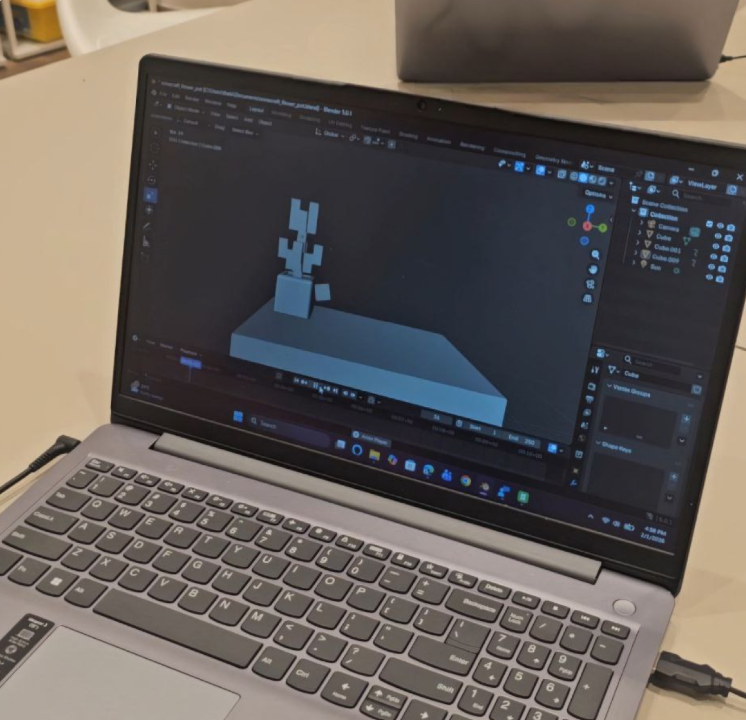
| Module Focus | Key Concepts & Projects | Technical Details | Platforms Used |
|---|---|---|---|
| 3D Design Fundamentals | Create basic objects from geometric forms while learning how three-dimensional space, coordinates, scale, and proportion work. | Primitive shapes, vertices, edges, faces, extrusion, scaling, rotation, translation, alignment, and grouping. | Tinkercad and beginner-friendly 3D modeling software. |
| Modeling Techniques | Build a character or more complex object by combining, editing, and refining simple shapes. | Box modeling, basic sculpting, modifiers, subdivision surfaces, symmetry, and clean model structure. | 3D modeling software, CAD tools, and age-appropriate sculpting environments. |
| Textures & Materials | Create a textured scene or environment by adding color, surface properties, lighting, and visual detail. | Material properties, basic UV mapping, shaders, texture placement, light sources, and scene presentation. | 3D modeling software, simplified texturing tools, and Tinkercad where appropriate. |
| Animation Basics | Bring a model to life with a short movement sequence or simple animated scene. | Keyframes, timeline controls, object animation, introductory rigging, poses, timing, and playback. | 3D modeling and student-friendly animation software. |
| 3D Printing Preparation | Design a printable object and prepare it for physical production. | Mesh validation, watertight geometry, wall thickness, scale, support structures, orientation, STL files, and slicing basics. | 3D modeling software, CAD tools, and slicing software. |
| Game Asset Creation | Create optimized objects or an environment for use in a game engine or virtual world. | Polygon count, level-of-detail thinking, UV unwrapping, export settings, asset scale, and performance optimization. | 3D modeling software and beginner-friendly game engines. |
Learn More Hide Details
Description
3D Modeling 8+ introduces students to three-dimensional design, digital fabrication, and visual storytelling. Students learn to create virtual objects, characters, and environments while developing spatial reasoning, technical confidence, and an understanding of professional design workflows.
What Students Will Do
- Design and model 3D objects using geometric forms and precise transformations.
- Create characters, props, and environments for games or animations.
- Apply textures, materials, colors, and lighting to improve visual presentation.
- Animate objects and explore introductory rigging and keyframe techniques.
- Prepare models for 3D printing and understand manufacturing constraints.
- Create optimized assets for game engines and virtual environments.
- Collaborate on larger scenes and present finished work.
Technical Skills
- Navigation of 3D modeling tools and interfaces.
- Coordinate systems, scale, proportion, alignment, and spatial relationships.
- Modeling with vertices, edges, faces, extrusion, modifiers, and subdivision.
- Materials, basic UV mapping, texture placement, lighting, and rendering.
- Keyframe animation and introductory rigging.
- Mesh preparation, file export, slicing, and printability checks.
- Optimization of models for games and real-time applications.
Creative Skills
- Spatial visualization and three-dimensional thinking.
- Form, proportion, balance, silhouette, and visual hierarchy.
- Character, object, and environment design.
- Turning sketches and ideas into structured digital models.
Professional Skills
- Planning and completing a project from concept to final presentation.
- Following a structured workflow: reference → blockout → refine → texture → export.
- Reviewing work, receiving feedback, and improving through iteration.
- Understanding introductory career pathways in 3D design, animation, games, architecture, and digital fabrication.
Outcome
By the end of the course, students can independently create and refine 3D models, apply materials, produce simple animations, prepare selected objects for 3D printing, and present a small portfolio of completed digital projects.
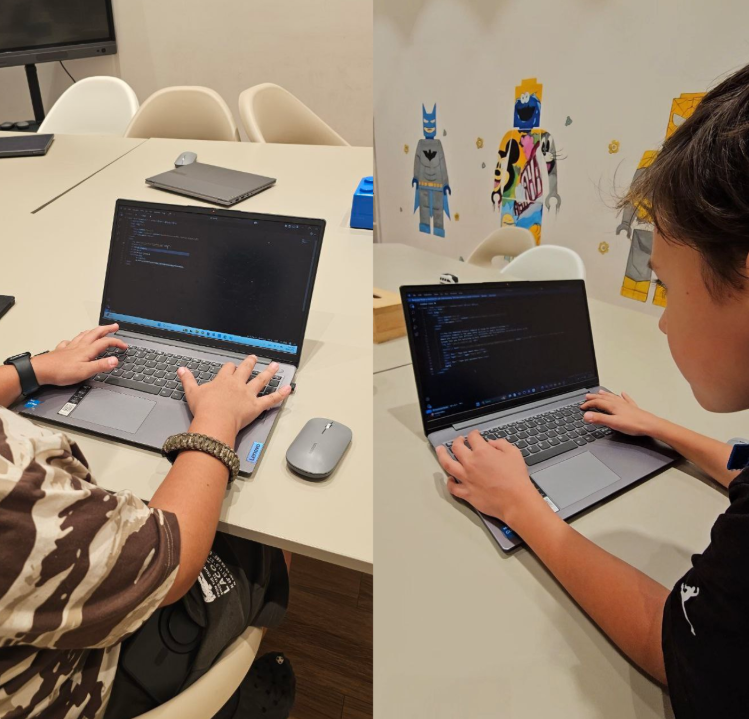
| Module Focus | Key Concepts & Projects | Technical Details | Platforms Used |
|---|---|---|---|
| HTML Fundamentals | Create a personal portfolio page while learning how websites are structured and how content is organized clearly and accessibly. | HTML tags, attributes, headings, links, images, lists, page structure, semantic elements, forms, and accessibility basics. | Code editor and browser developer tools. |
| CSS Styling & Layout | Design a company landing page with a clear visual system, structured layout, and responsive sections. | Selectors, properties, typography, color, spacing, box model, positioning, Flexbox, Grid, and media queries. | CSS, browser testing tools, and selected beginner-friendly CSS frameworks. |
| Interactive Elements | Build an interactive quiz or small web application that responds to user actions. | DOM manipulation, events, variables, conditions, simple functions, animations, transitions, and feedback states. | JavaScript and selected beginner-friendly libraries where appropriate. |
| Responsive Design | Create a mobile-first website that adapts to phones, tablets, and desktop screens. | Viewport settings, breakpoints, flexible layouts, scalable units, responsive images, testing, and content prioritization. | CSS, responsive frameworks, browser device tools, and mobile emulators. |
| Web Graphics & Media | Develop a media-rich webpage using optimized images, video, icons, and animation. | Image formats, compression, dimensions, embedding, alt text, video delivery, accessibility, and performance optimization. | Image-editing software, graphic-design tools, and beginner-friendly video editors. |
| Web Publishing | Complete, test, and publish a finished website online. | Hosting, domain concepts, file structure, deployment, version control fundamentals, maintenance, analytics, and introductory SEO. | Web hosting service, Git-based version control, and browser testing tools. |
Learn More Hide Details
Description
Web Design 8+ introduces students to the fundamentals of creating attractive, functional, and accessible websites. Students combine visual design with HTML, CSS, and introductory JavaScript while completing real projects that can be viewed in a browser and published online.
What Students Will Do
- Design and build personal websites, portfolios, and landing pages.
- Create responsive layouts that adapt to different screen sizes.
- Add interactive features, animations, buttons, forms, and quiz mechanics.
- Prepare and optimize images, graphics, video, and other web media.
- Test websites for usability, accessibility, and performance.
- Publish completed websites online.
- Collaborate on shared web projects and present finished work.
Technical Skills
- HTML structure, semantic markup, forms, links, images, and accessibility basics.
- CSS styling, typography, color, spacing, Flexbox, Grid, and responsive design.
- Introductory JavaScript for events, conditions, DOM changes, and user interaction.
- Media optimization and correct use of image and video formats.
- Browser developer tools for testing, debugging, and device previews.
- Introductory hosting, deployment, version control, and SEO concepts.
Creative Skills
- Typography, color theory, visual hierarchy, spacing, and composition.
- User-centered thinking and clear navigation design.
- Creation of graphics and media for digital interfaces.
- Balancing visual creativity with usability and readability.
Professional Skills
- Planning and completing a web project from concept to publication.
- Following a workflow: research → wireframe → design → build → test → publish.
- Reviewing feedback and improving a website through iteration.
- Presenting a finished project and explaining design and technical choices.
Outcome
By the end of the course, students can design, build, test, and publish a responsive website using HTML and CSS, add introductory JavaScript interactions, optimize media, and present a finished web project as part of a growing digital portfolio.
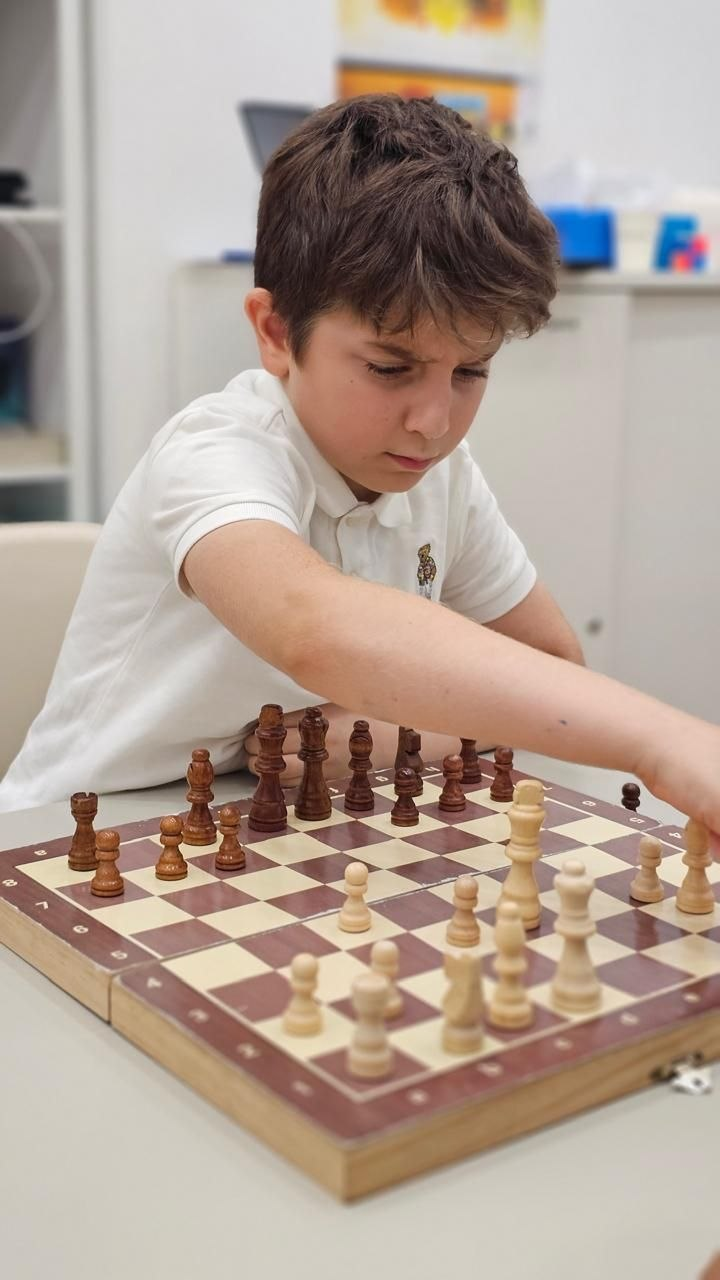
| Module | Core Focus | What Students Learn | Activities |
|---|---|---|---|
| Understanding the Chessboard | Board layout and navigation. | Ranks, files, diagonals, coordinates, and the difference between light and dark squares. | Interactive board lessons, square-finding games, and offline board-mapping exercises. |
| Pieces & Movement | Piece identity, starting positions, and legal movement. | The names and values of the pieces, how each piece moves, and how the initial position is arranged. | Piece-movement puzzles, drag-and-drop tasks, movement races, and setup challenges. |
| Capturing & Trades | How pieces interact and when captures are safe. | Capture rules, protected and unprotected pieces, simple exchanges, and safe versus unsafe squares. | Capture puzzles, mini-games, and guided exercises focused on choosing the best capture. |
| Check, Checkmate & Stalemate | Recognizing the main end-of-game situations. | How to identify check, respond legally, recognize checkmate, and understand stalemate. | King-and-rook versus king drills, mate-in-one puzzles, escape-from-check exercises, and guided demonstrations. |
| First Games | Applying the rules in complete beginner games. | Turn-taking, legal moves, basic planning, piece development, and respectful game behavior. | Games against easy AI, coach-guided games, short partner matches, and post-game discussion. |
Learn More Hide Details
Description
The Introduction Level gives students their first structured experience with chess. The course focuses on understanding the board, learning how every piece moves, and playing simple guided games.
The goal is to build confidence, curiosity, concentration, and a strong foundation in the rules before moving on to tactical and strategic concepts.
What Students Will Do
- Learn how to set up the chessboard correctly.
- Identify all pieces and understand their movement rules.
- Practice captures, checks, and simple checkmate patterns.
- Complete puzzles that reinforce piece control and safe movement.
- Play simple games against AI and classmates with coach guidance.
- Review completed games and discuss what worked well.
Skills Gained
- Board Orientation: understanding ranks, files, diagonals, coordinates, and spatial relationships.
- Rule Mastery: legal movement, capturing, check, checkmate, and stalemate.
- Thinking Skills: concentration, patience, observation, and basic planning.
- Tactical Awareness: recognizing simple checks, captures, threats, and protected pieces.
- Social Skills: turn-taking, respectful competition, and explaining decisions.
Learning Approach
Lessons combine interactive demonstrations, physical chessboards, visual puzzles, short mini-games, AI practice, and coach-guided play. Students receive immediate feedback and progress from isolated skills to complete beginner games.
Outcome
By the end of the Introduction Level, students can set up the board independently, move every piece correctly, recognize check and simple checkmate, and play a complete legal game with growing confidence.
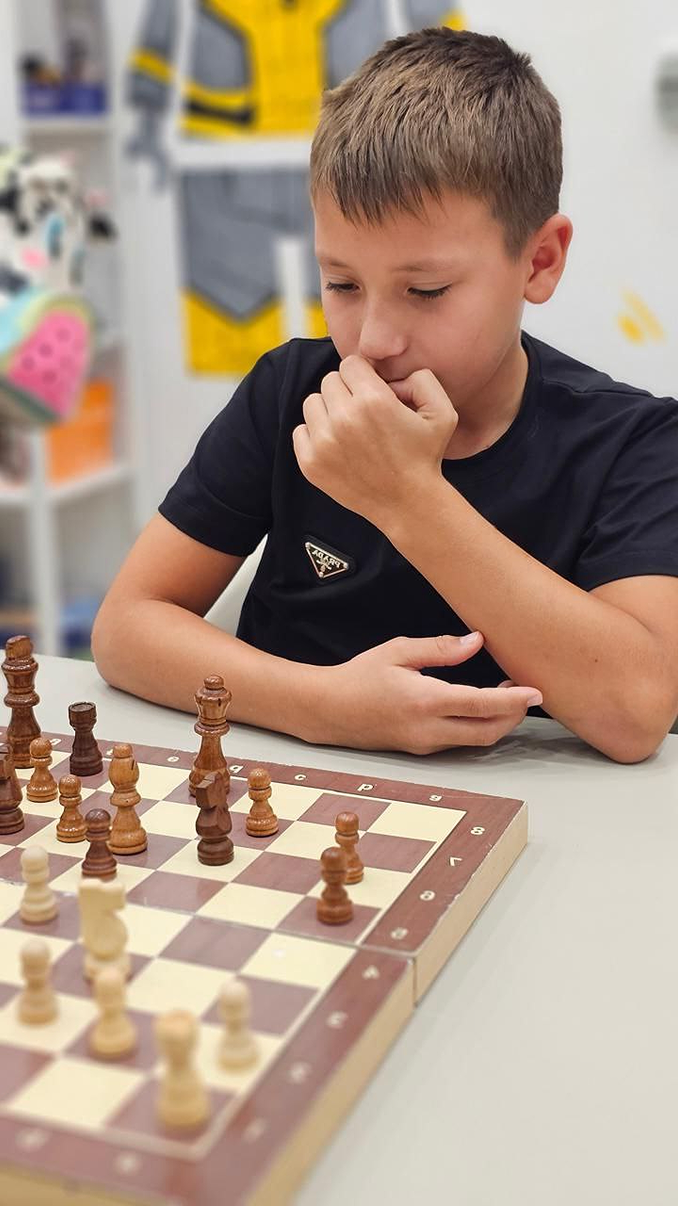
| Module | Core Focus | What Students Learn | Activities |
|---|---|---|---|
| Piece Value & Exchanges | Understanding material and making better trades. | Relative piece values, when an exchange is favorable, and how material influences decisions. | Material puzzles, trade-comparison exercises, and guided positions focused on winning or saving material. |
| Basic Tactics I | Recognizing core tactical patterns. | Forks, pins, skewers, discovered attacks, and how tactical ideas appear in real games. | Tactics trainers, pattern drills, short puzzle races, and coach-led tactical demonstrations. |
| Opening Principles | Starting the game with a sound plan. | Center control, rapid development, king safety, castling, and common early mistakes to avoid. | Opening trainers, move-order practice, model game walkthroughs, and “best first moves” challenges. |
| Special Rules | Applying the full rule set with confidence. | How and when to castle, how en passant works, and why these rules matter in practical play. | Scenario drills, rule quizzes, mini-positions, and guided examples using special-rule situations. |
| Basic Endgames | Converting simple winning positions. | King and queen versus king, king and rook versus king, promotion basics, and elementary endgame technique. | Endgame trainers, mini-matches from reduced positions, promotion drills, and coach-guided conversion practice. |
Learn More Hide Details
Description
Beginner Level students move beyond basic rules and start making intentional chess decisions. This stage introduces tactical patterns, opening principles, and simple endgames so students can begin to understand why a move is good—not just whether it is legal.
What Students Will Do
- Practice key tactical motifs such as forks, pins, skewers, and discovered attacks.
- Learn to castle, protect the king, and develop pieces efficiently.
- Solve opening puzzles and understand principled first moves.
- Practice essential endgames and simple checkmate techniques.
- Evaluate trades using piece value and basic material counting.
- Analyze their own games with coach guidance.
Skills Gained
- Tactical Awareness: recognition of common tactical patterns and opportunities.
- Strategic Foundations: center control, development, king safety, and purposeful play.
- Evaluation Skills: understanding whether a trade or move is good and why.
- Endgame Basics: converting simple winning positions and promoting correctly.
- Game Confidence: ability to play complete, more structured games with growing independence.
Learning Approach
Lessons combine tactical puzzles, rule drills, model positions, reduced-material endgames, AI practice, partner games, and short game reviews. Students gradually build pattern recognition and begin thinking ahead with more structure.
Outcome
By the end of the Beginner Level, students can play more organized games, recognize key tactical ideas, apply opening principles, use special rules correctly, and convert simple endgames with greater confidence.
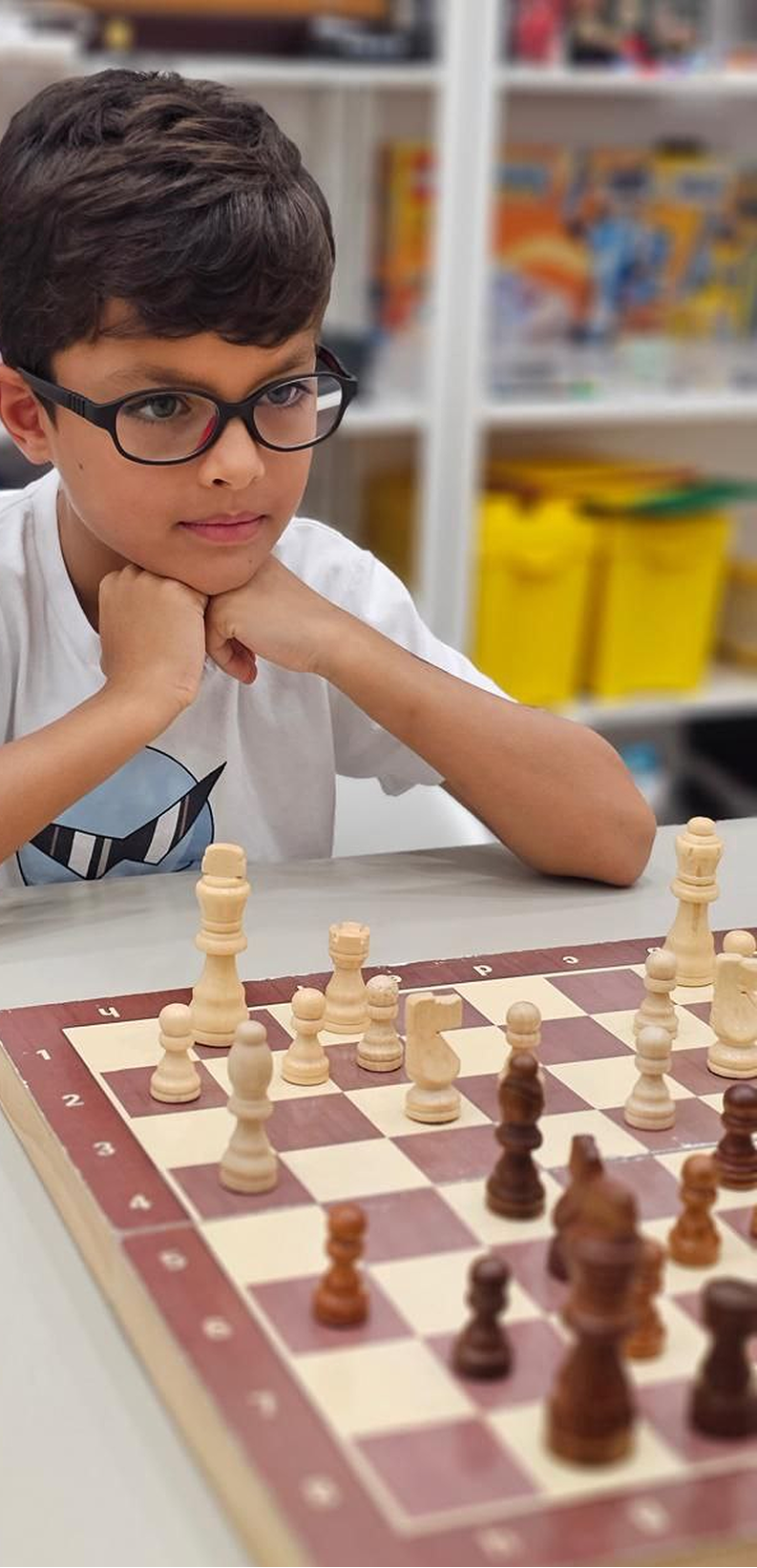
| Module | Core Focus | What Students Learn | Activities |
|---|---|---|---|
| Positional Concepts | Understanding long-term advantages. | Pawn structure, open files, weak squares, strong outposts, and how small positional factors influence a plan. | Thematic puzzles, positional comparison exercises, coach-guided examples, and structured discussions. |
| Tactical Depth | Calculating deeper tactical ideas and defenses. | Sacrifices, combinations, intermediate moves, defensive resources, and counterplay. | Intermediate tactics trainers, multi-move puzzles, timed calculation tasks, and review of tactical mistakes. |
| Middlegame Planning | Building strategy and selecting useful plans. | How to identify plans from the position, improve piece activity, choose targets, and coordinate attack or defense. | Strategic scenarios, planning drills, annotated positions, and “choose the plan” exercises. |
| Endgame Foundations II | More advanced practical endings. | Opposition, triangulation, king activity, passed pawns, basic rook endgames, and converting small advantages. | Endgame simulators, reduced-material games, clock-based practice, and guided technique drills. |
| Game Analysis | Learning systematically from games and mistakes. | Annotation basics, identifying turning points, evaluating critical decisions, and extracting practical lessons. | Coach review, online analysis tools, personal game notes, and post-game discussion sessions. |
Learn More Hide Details
Description
The Intermediate Level helps students transition into strategic chess. They begin to evaluate positions more deeply, connect tactics with long-term plans, and understand how pawn structure, activity, and timing influence the game.
Endgame work becomes more advanced, and players start reviewing their own games in a more structured way—an important step toward competitive play.
What Students Will Do
- Analyze positions using strategic themes such as weak squares, open files, and pawn structure.
- Solve advanced tactical puzzles that require multi-move calculation.
- Practice king-and-pawn endings, opposition, and introductory rook endgames.
- Play structured training games with clocks.
- Use analysis tools and coach feedback to review their own games.
- Practice selecting plans and improving piece coordination in middlegame positions.
Skills Gained
- Planning Ability: formulating and executing multi-step plans.
- Tactical Calculation: deeper visualization, accuracy, and recognition of defensive resources.
- Positional Evaluation: understanding pawn majorities, open files, weak squares, and piece activity.
- Endgame Technique: improved confidence and technique in practical endgames.
- Analytical Thinking: identifying mistakes, turning points, and improvements after the game.
Learning Approach
Lessons combine thematic exercises, tactical trainers, structured analysis, model games, clock-based practice, and coach-led review. Students learn not only to find strong moves, but also to explain the ideas behind them.
Outcome
By the end of the Intermediate Level, students can evaluate positions more clearly, create practical plans, calculate more accurately, handle more advanced endgames, and review their own games with a stronger strategic understanding.
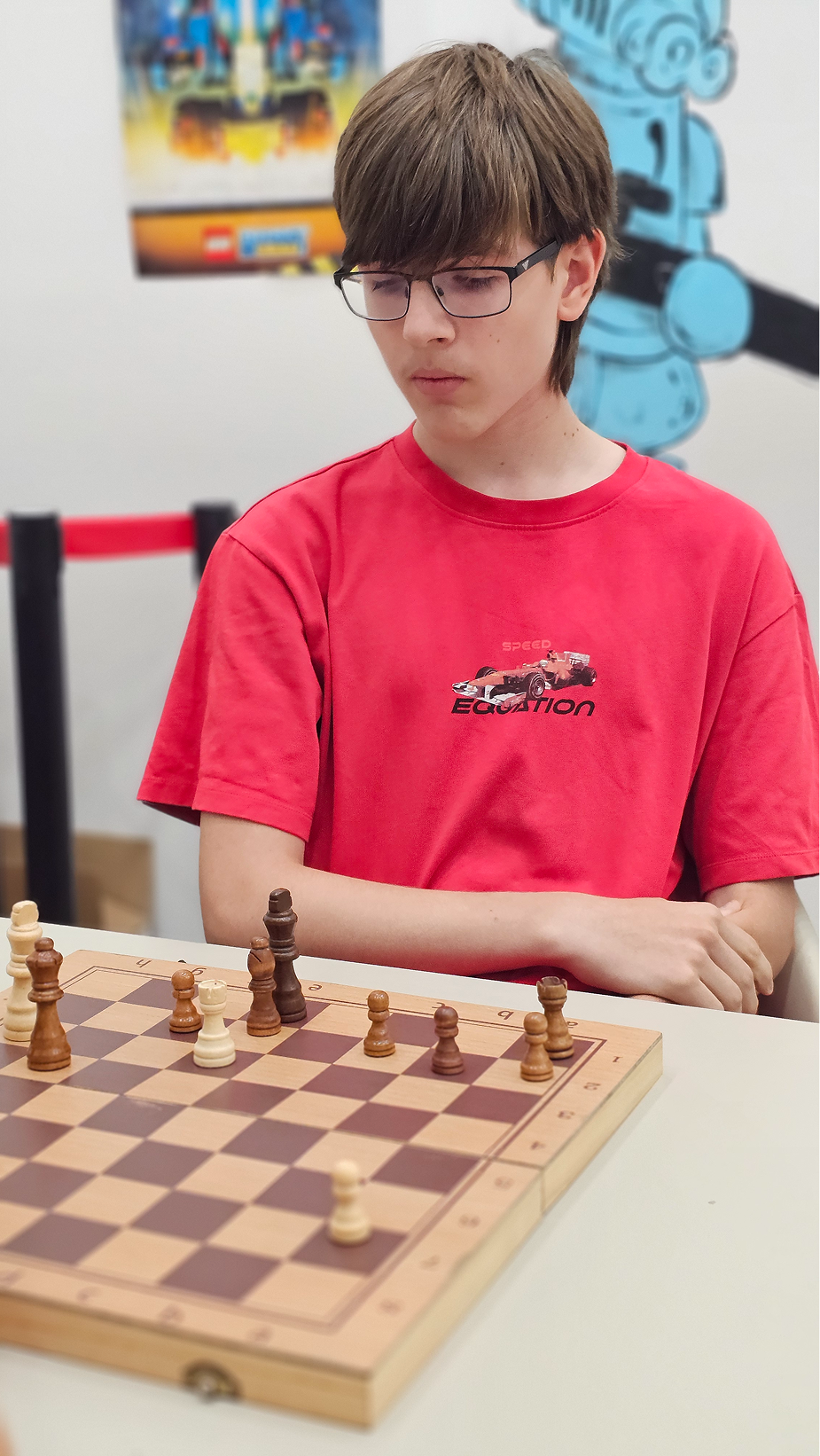
| Module | Core Focus | What Students Learn | Activities |
|---|---|---|---|
| Opening Repertoire Building | Structured opening study. | Main opening systems, critical variations, typical middlegame plans, move-order ideas, and how to choose lines that fit their style. | Opening explorer tools, repertoire files, model-game study, move-order drills, and guided preparation. |
| Complex Tactical Combinations | Deep calculation and tactical precision. | Sacrifices, forcing lines, multi-motif combinations, candidate moves, visualization, and accurate calculation under pressure. | High-level puzzles, tactical tests, calculation exercises, timed solving, and post-solution analysis. |
| Advanced Positional Strategy | High-level positional play. | Prophylaxis, imbalances, pawn breaks, good versus bad pieces, space advantage, dynamic compensation, and long-term planning. | Strategy workshops, master-game analysis, thematic positions, and plan-comparison exercises. |
| Endgame Mastery | Complex and technical endings. | Rook endgames, bishop versus knight endings, queen endings, advanced king activity, conversion technique, and practical defense. | Endgame trainers, theoretical studies, reduced-material practice games, and clock-based technique drills. |
| Competitive Preparation | Tournament readiness and performance. | Time management, resilience, psychological preparation, pre-game routines, recovery after mistakes, and practical decision-making in serious play. | Simulated tournament games, rated practice, game annotation, coach review, and internal or local event participation. |
Learn More Hide Details
Description
Advanced Level students study chess at a much deeper level. The program develops opening understanding, advanced tactical calculation, sophisticated positional play, and stronger endgame technique.
This level is designed for players preparing for serious tournament improvement, rating growth, and long-term competitive development.
What Students Will Do
- Build and refine a personalized opening repertoire.
- Solve difficult tactical puzzles with multi-layer combinations.
- Study master games and identify strategic patterns and critical decisions.
- Practice high-level endgames with technical accuracy.
- Play serious training games with clocks and structured post-game review.
- Participate in internal tournaments or local rated events where appropriate.
- Conduct deeper game analysis and identify critical errors and missed chances.
Skills Gained
- Expert Tactical Understanding: stronger calculation, visualization, and tactical accuracy.
- Advanced Positional Thinking: understanding imbalances, prophylaxis, pawn breaks, and long-term planning.
- Opening Confidence: ability to play structured repertoires with clear plans.
- Endgame Technique: confidence in more difficult practical endings.
- Competitive Readiness: time management, resilience, and disciplined tournament habits.
- Independent Improvement: building study habits, reviewing games, and preparing outside class.
Learning Approach
Lessons combine master-game study, advanced tactical work, theoretical endgames, repertoire building, tournament-style practice, and coach-led analysis. Students are expected to think more independently, justify their decisions, and reflect on improvement patterns from their own games.
Outcome
By the end of the Advanced Level, students can navigate complex positions with greater confidence, calculate more accurately, apply a structured opening repertoire, handle difficult endgames, and approach competitive chess with stronger discipline and maturity.
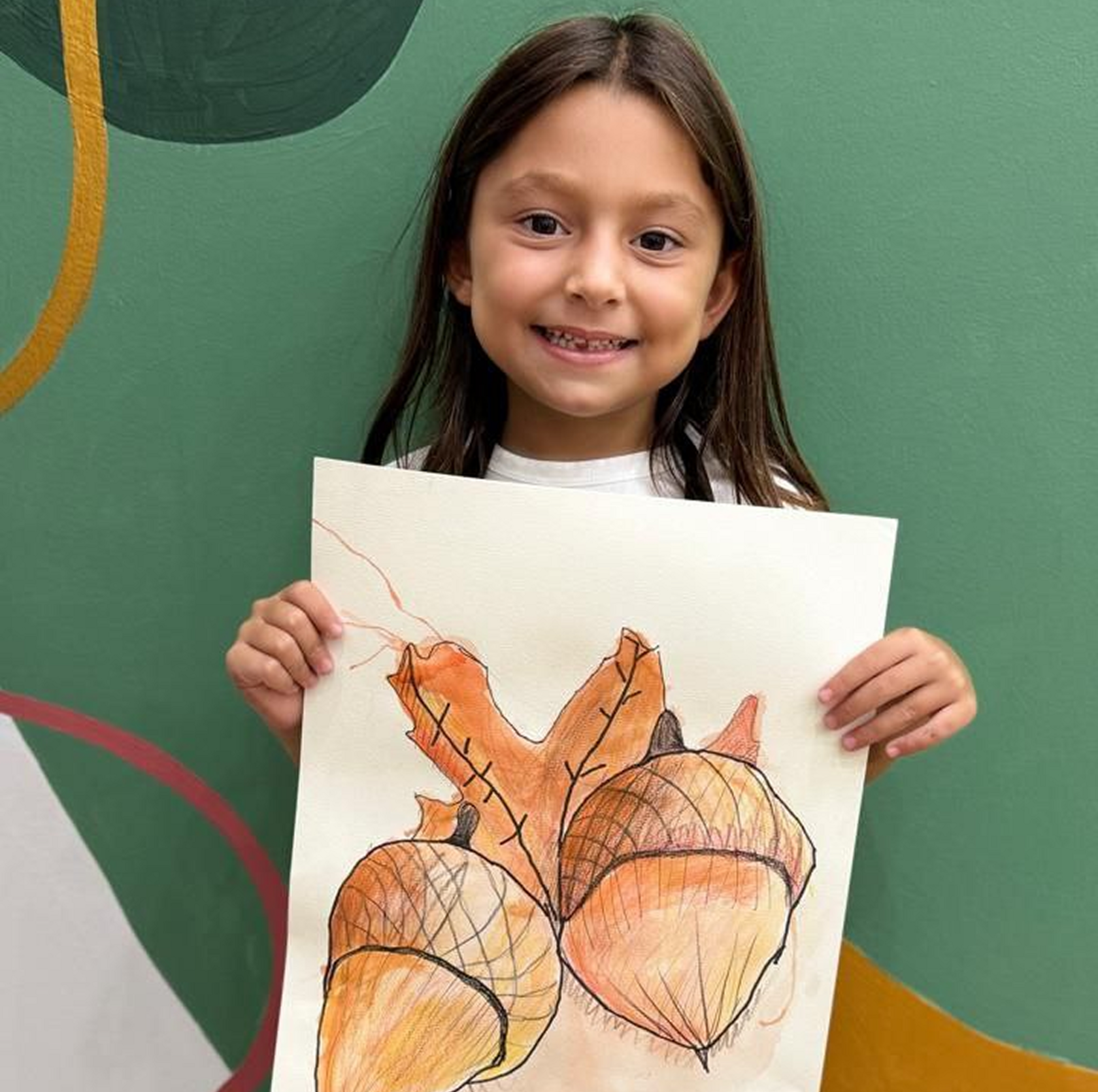
| Module | Core Focus | What Students Will Learn |
|---|---|---|
| Color & Sensory Exploration | Discovering paint through touch, movement, and playful experimentation. | Basic color recognition, simple color mixing, texture awareness, and how different paints move and blend. |
| Mark-Making & Line Play | Experimenting with tools, gestures, marks, and repeated visual patterns. | Lines, dots, large strokes, patterns, pressure control, and early hand–eye coordination. |
| Shapes, Characters & Storytelling | Turning simple shapes into animals, objects, people, and imaginary characters. | Symbolic drawing, visual storytelling, combining shapes, and expressing ideas through pictures. |
| Process Art & Creative Freedom | Open-ended art experiences centered on exploration rather than perfect results. | Independent choices, emotional expression through color, free drawing, and confidence experimenting with unfamiliar materials. |
| Seasonal & Nature Art | Creating art inspired by familiar natural themes and everyday observations. | Animals, plants, weather, seasons, natural textures, observation, and imaginative interpretation. |
Learn More Hide Details
Description
This course introduces young children to painting and drawing through sensory exploration, playful mark-making, and imaginative expression.
The emphasis is on creativity, experimentation, and the development of early motor and visual skills—not on producing a perfect result. Children learn to observe color, recognize shapes, express ideas freely, and feel confident making their own artistic choices.
What Students Will Do
- Explore color through finger painting, sponge painting, rollers, and brush play.
- Create simple shapes, patterns, animals, and characters using circles, lines, and marks.
- Make artwork inspired by seasons, nature, stories, and familiar objects.
- Take part in guided but open-ended process-art activities.
- Experiment with brushes, sponges, stamps, textured tools, and natural materials.
- Talk about their artwork and make simple creative choices independently.
Skills Gained
- Color Awareness: recognizing basic colors and exploring early color mixing.
- Motor Development: hand–eye coordination, grip strength, and pre-writing movements.
- Sensory Development: understanding texture, pressure, movement, and visual contrast.
- Visual Expression: communicating simple ideas and feelings through shapes and color.
- Creative Confidence: making independent choices and experimenting without fear of mistakes.
Materials & Mediums
Washable tempera paint, finger paint, large brushes, sponges, rollers, cotton balls, stamps, large-format paper, colored construction paper, jumbo crayons, chunky markers, non-toxic oil pastels, and natural materials such as leaves, twigs, and shells for texture and imprint work.
Outcome
By the end of the course, children will be more confident using art materials, recognizing and combining colors, creating simple visual stories, and expressing their ideas through independent painting and drawing.
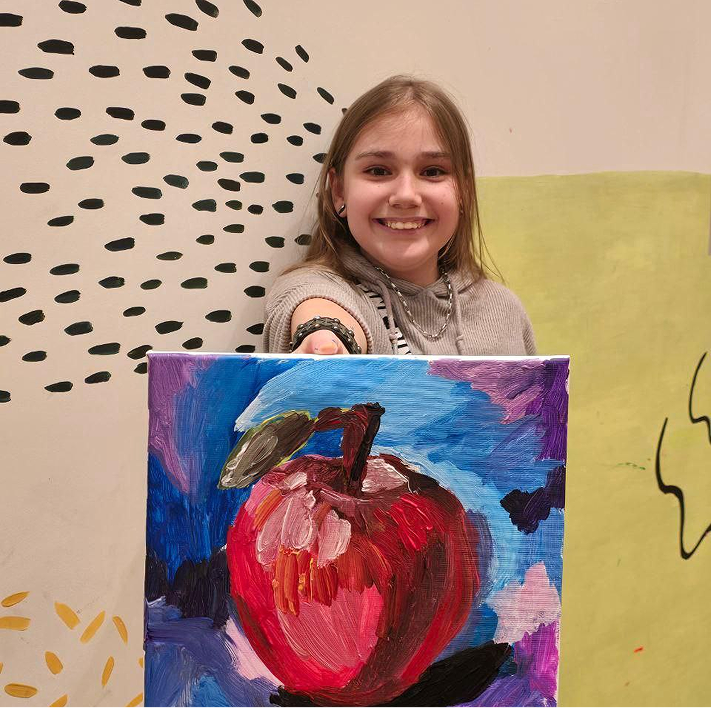
| Module | Core Focus | Techniques, Knowledge & Skills |
|---|---|---|
| Studio Foundations: Workflow, Structure & Composition | Building complete artworks with strong foundations. | A clear workflow of sketch → refine → color or tone → details → finishing; drawing structure from reference, including placement, proportion, and clean outlines; composition basics such as balance, focal area, spacing, and simple background building. |
| Pastel Techniques: Blending & Texture | Soft transitions, shading, and expressive surface effects. | Oil-pastel blending, layering, gradients, smooth transitions, texture techniques for fur, clouds, water, and plants, plus clean edges and controlled color placement. |
| Watercolor Techniques: Washes & Transparency | Light layers, water control, and atmospheric effects. | Wet-on-wet and wet-on-dry painting, simple washes, preserving highlights, layered transparency, avoiding overworking, and creating atmosphere in skies, water, and soft backgrounds. |
| Gouache & Acrylic Techniques: Coverage & Layering | Confident painting, clean coverage, and stronger contrast. | Opaque paint control, clean coverage, layering, brush handling, highlights and shadows, contrast building, and neat finishing on paper and canvas boards. |
| Marker & Line Technique: Detail & Clarity | Clean outlines, finishing accents, and readable details. | Controlled outlining, line thickness, pattern work, small details, finishing accents, and using markers to strengthen readability and add definition. |
| Subjects & Themed Projects | Applying skills to meaningful, age-appropriate subject matter. | Structured projects across animals, portraits, still life, and creative scenes such as underwater worlds, landscapes, and story settings, while improving observation and personal interpretation. |
| Mini Portfolio & Progress Milestones | Visible artistic growth that students and parents can follow. | A curated collection of finished artworks showing progress in drawing structure, color confidence, material handling, composition, and independent finishing skills. |
Learn More Hide Details
Description
Painting & Drawing (Age 6–8) is a multi-medium studio program designed to build both artistic confidence and real technique. Children learn through guided projects, teacher demonstration, and a consistent studio workflow, allowing them to create strong finished artworks while steadily improving drawing accuracy, color control, and creative decision-making.
How We Teach
Each project follows a clear artist process used in real studios: planning → guided demonstration → step-by-step creation → refinement → finishing. Students learn not only what to do, but also why it works, so progress becomes more consistent and visible over time.
What Students Create
Students work on a variety of age-appropriate themes including animals, portraits, still life, and creative scenes. References are used as learning tools to improve structure and accuracy while still allowing space for personal interpretation and individual artistic style.
Skills & Development
- Stronger drawing structure and proportion for clearer, more confident artwork.
- Better color choices, including cleaner palettes, stronger contrast, and clearer highlights and shadows.
- Improved control of multiple mediums such as pastels, watercolor, gouache, acrylic, and markers.
- Finishing skills that make artwork feel complete: backgrounds, clean edges, and final accents.
- Growing independence, patience, and confidence when working through a project from start to finish.
Outcome
By the end of the course, students build a mini portfolio of finished artworks that clearly shows growth in technique, confidence, and independence—work they can proudly present at home or in exhibitions.
Mediums & Materials Used
Oil pastels, watercolor, gouache, acrylic paint, markers, mixed-media paper, canvas boards, brushes, palettes, and basic studio tools.
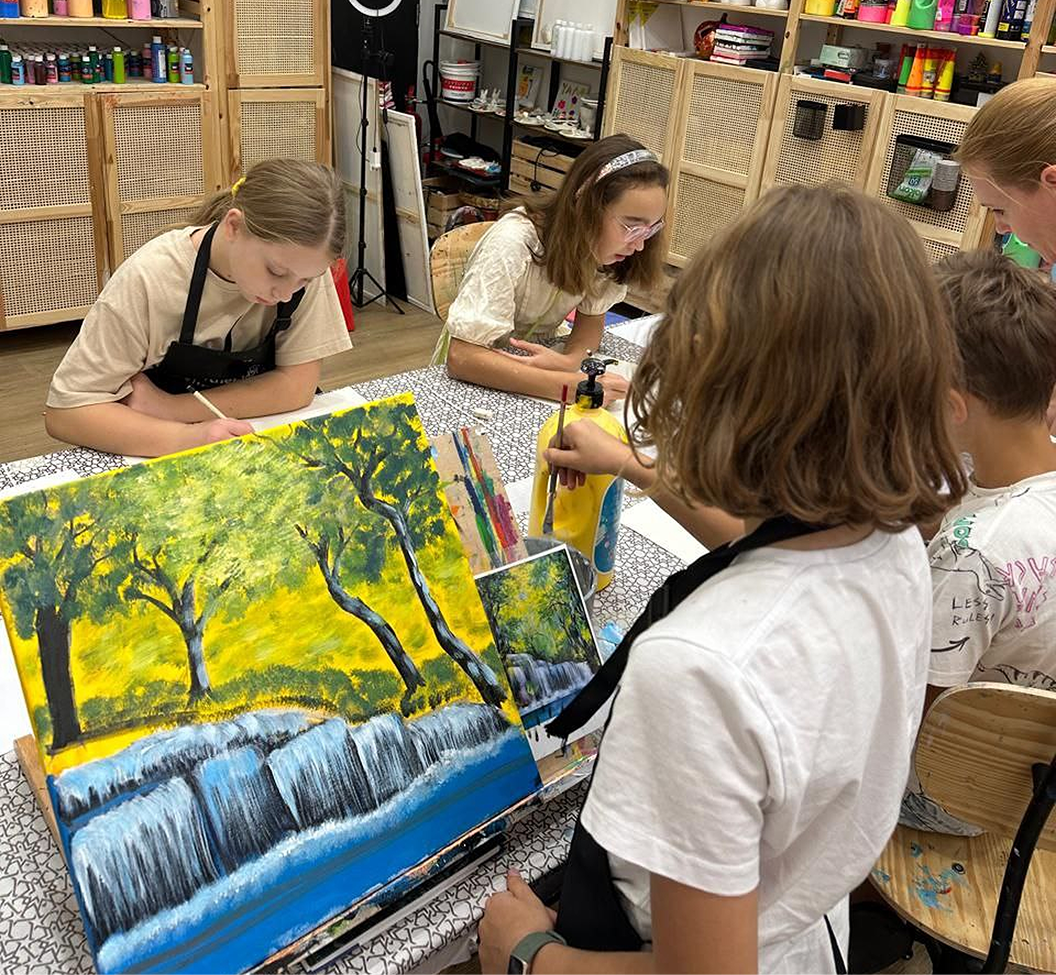
| Module | Core Focus | What Students Will Learn |
|---|---|---|
| Studio Foundations: Workflow, Structure & Composition | Planning stronger, more intentional artworks. | A deeper workflow of reference analysis → thumbnails → construction sketch → value plan → color layers → refinement → finishing; stronger proportion checking, more intentional backgrounds, focal-point control, visual hierarchy, and cleaner presentation standards. |
| Pastel Techniques: Blending, Texture & Depth | Creating realistic depth and advanced surface textures. | Multi-layer blending, controlled gradients, stronger highlights and shadows, texture rendering for fur, feathers, rocks, water, and clouds, plus edge control—soft versus sharp—to create depth and realism. |
| Watercolor Techniques: Control, Layering & Atmosphere | Cleaner technique and more professional-looking results. | Flat and graded washes, glazing for depth, preserving highlights, avoiding muddy color, and building atmosphere through distance, light, and mood, with better timing and layering discipline. |
| Gouache & Acrylic Techniques: Form, Light & Finish | Painting with volume, light, and stronger finishing. | Confident opaque layering, cleaner color mixing, modeling form through light and shadow, controlled brushwork, texture accents, and refined acrylic projects on canvas boards with polished edges, backgrounds, highlights, and details. |
| Marker & Line Technique: Precision & Detail | Cleaner linework and illustration-style finishing. | Line-weight control, introductory hatching and cross-hatching, pattern design, crisp edges, purposeful detailing, and using fineliners or markers to improve readability without overworking the image. |
| Subjects & Themed Projects | More complex subjects with higher accuracy and personal interpretation. | Portraits with stronger feature placement, expression, and hair volume; animals with structure, texture, and pattern; and creative scenes with improved depth, lighting, composition, and individual design choices. |
| Mini Portfolio & Progress Milestones | Building a curated body of work that shows visible development. | Selecting, refining, and presenting finished pieces that demonstrate progress in accuracy, depth, color control, medium mastery, composition, and professional finishing. |
Learn More Hide Details
Description
Painting & Drawing (Age 9+) is an advanced multi-medium studio course for students who want their artwork to look more mature, confident, and polished.
Students continue working from carefully selected references, but at this level they learn to build stronger structure, create realistic depth through light and shadow, and make more intentional choices in color and composition—resulting in higher-quality finished pieces.
How We Teach
Each project follows a professional studio process: planning → demonstration → guided practice → refinement → finishing. Teachers explain the reason behind each technique—how to improve proportions, create depth, choose color, and control contrast—while students learn to revise and improve their work through feedback.
What Students Create
Students create more complex artworks across portraits, animals, still life, landscapes, underwater scenes, and story-based compositions. Projects strengthen technique and artistic thinking while still allowing room for personal interpretation and individual style.
Skills & Development
- Stronger drawing accuracy with cleaner construction, better proportions, and more confident corrections.
- More realistic depth through value control, highlights, shadows, and three-dimensional form.
- Cleaner color mixing, more intentional palettes, stronger contrast, and clearer focal points.
- Greater confidence across acrylic, gouache, watercolor, pastels, fineliners, and markers.
- Professional finishing habits including complete backgrounds, clean edges, refined details, and thoughtful presentation.
- Improved ability to receive feedback, revise work, and make independent artistic decisions.
Outcome
Students complete a curated mini portfolio of finished works that demonstrates clear technical progress and a more mature artistic level—providing excellent preparation for Academic Art and Portfolio Preparation pathways.
Mediums & Materials Used
Oil pastels, acrylic paint on canvas boards, gouache, watercolor, fineliners, markers, brushes, mixed-media paper, canvas boards, and studio reference materials.
| Module | Core Focus | What Students Will Learn |
|---|---|---|
| Portfolio Roadmap & Requirements Alignment | Understanding exam and application expectations. | How to interpret briefs, themes, rubrics, and portfolio requirements; define a personal direction while meeting school or university criteria; and plan a realistic timeline and workload. |
| Skill-Building Studio Practice | Strengthening drawing, making, and technical foundations. | How to improve visual accuracy, control, craftsmanship, and technical confidence through consistent studio practice across selected media. |
| Materials & Techniques Exploration | Expanding range, flexibility, and experimentation. | How to test multiple materials and approaches, move beyond familiar solutions, compare outcomes, and choose techniques that support the concept. |
| Idea Development & Creative Thinking | Developing concepts into meaningful independent work. | How to generate ideas, conduct visual research, build a theme, develop variations, and establish an individual artistic direction while keeping full ownership of the work. |
| Guided Project Development | Working directly with school or application briefs. | How to interpret guidelines, plan a response, develop a project independently, and use mentoring support without having the work directed or completed for them. |
| Process Pages & Sketchbook Excellence | Building strong evidence of artistic process. | How to document research, experiments, studies, iterations, reflection notes, decisions, and refinement so the portfolio clearly shows growth—not only final outcomes. |
| Resolved Artworks | Creating portfolio-ready final pieces. | How to finalize work to an academic or application standard through stronger composition, refinement, technical control, finishing quality, and presentation readiness. |
| Mentorship, Feedback & Refinement Cycles | Using critique to improve work continuously. | How to apply feedback, clarify ideas, strengthen technique, identify weaknesses, make revisions, and raise the overall quality and coherence of the body of work. |
| Portfolio Curation & Presentation | Selecting and presenting a coherent body of work. | How to select the strongest pieces, create variety while maintaining coherence, sequence work effectively, and prepare clear documentation for school or university review. |
| Exam-Board Pathway Support | Program-specific support for IGCSE, IB, and AP pathways. | What each pathway expects and how studio practice, experimentation, process development, and portfolio quality can support those expectations while official assessment remains with the school or exam board. |
Learn More Hide Details
Description
The Portfolio Preparation Program at #thekidSpace supports students aged 13–18 who are building portfolios for IGCSE Art & Design, IB Visual Arts, AP Art & Design, and university art or design applications.
Students bring their school briefs, themes, or application guidelines, and receive structured support through skill-building, experimentation, creative development, and sustained studio practice. The goal is to help each student create a strong, varied body of work that reflects their interests and individual direction.
What Students Will Do
- Work in a structured studio environment with expert mentoring and ongoing feedback.
- Strengthen drawing, observation, composition, and making skills through guided practice.
- Explore a range of materials and techniques to expand creative confidence.
- Develop ideas through projects aligned with school or application requirements.
- Create resolved artworks suitable for academic and portfolio use.
- Build process pages, sketchbooks, experiments, and documented refinement.
- Take ownership of ideas while receiving discussion, critique, and technical support.
Skills Gained
- Technical Development: stronger accuracy, craftsmanship, material control, and confidence in making.
- Concept Development: improved research, idea generation, visual thinking, and independent artistic direction.
- Brief Interpretation: responding creatively while meeting academic or application requirements.
- Portfolio Process: experimentation → reflection → refinement → final outcomes.
- Presentation: selecting, sequencing, documenting, and presenting a coherent body of work.
Supported Pathways
IGCSE Art & Design, IB Visual Arts, AP Art & Design, school art portfolios, pre-college programs, foundation applications, and university art or design submissions.
Important Note
#thekidSpace provides portfolio preparation, studio mentoring, and artistic support only. All official assessment, grading, submission, certification, and admissions decisions are handled by the student’s school, examination board, or university.
Outcome
Students develop a more coherent, technically stronger, and personally meaningful portfolio that demonstrates creative process, experimentation, refinement, and independent artistic thinking.
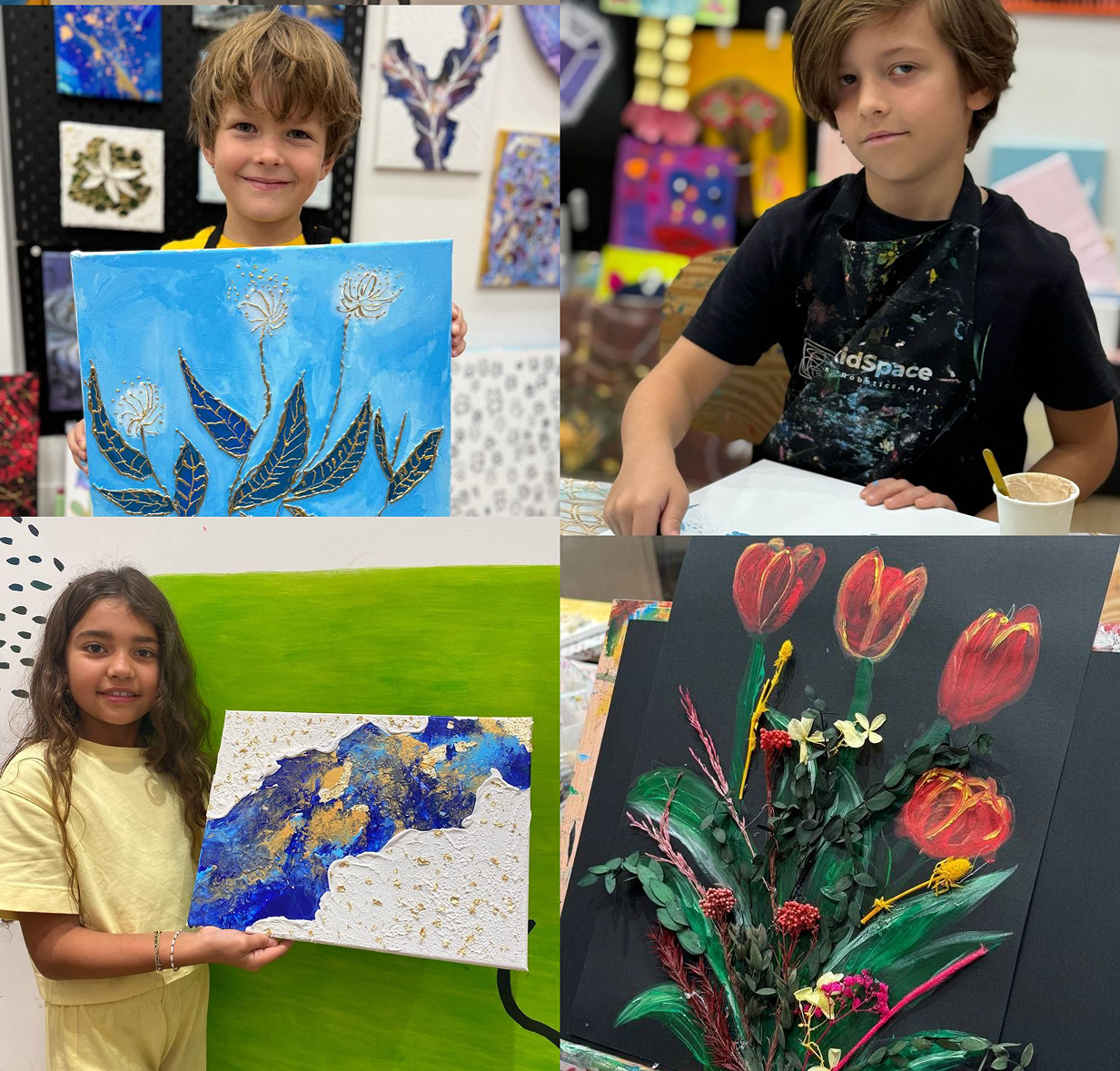
| Module | Core Focus | What Students Will Learn |
|---|---|---|
| Studio Foundations: Modern Art Basics | Understanding how modern artwork is planned and created while developing safe studio habits. | Simple composition, intentional color choices, layering order, clean working habits, and the basic language of modern art: shape, texture, contrast, rhythm, repetition, and scale. |
| Fluid Art: Kid-Safe Pouring | Creating controlled pours and visually striking patterns. | Tilt control, layered pours, simple swipe effects, marbling-inspired patterns, color selection, how to prevent muddy mixtures, and how to recognize the right moment to stop. |
| Textured Art: Paste & Tools | Building raised surfaces, patterns, and visual depth. | Safe use of texture paste, introductory palette-knife handling, thickness control, waves, lines, circles, texture stamps, foil accents, clean edges, and polished gallery-style finishing. |
| Abstract Art: Structure, Not Randomness | Creating balanced abstract compositions with clear visual intention. | Balance, focal areas, repetition, scale, visual rhythm, contrast, and expressing mood through color, line, shape, and placement. |
| Mixed Media: Collage & Layers | Combining different materials with purpose and control. | Layering paper, fabric, thread, foil, and paint; applying glue neatly; developing depth step by step; and making mixed-media work look clean, cohesive, and intentional. |
| Creative Projects & Mini Portfolio | Combining techniques into finished artworks and building confidence. | How to create themed pieces such as ocean textures, abstract landscapes, and modern animals or characters while improving composition, finishing, presentation, and independent creative decision-making. |
Learn More Hide Details
Description
Modern Art (Age 6–8) is a creative studio course where children explore contemporary techniques through hands-on projects. Students work with fluid painting, textured surfaces, abstract composition, and mixed media to create impressive canvas artworks while developing real artistic skills.
The program focuses on composition, clean layering, controlled color use, and polished finishing so each project feels intentional rather than messy or random.
How We Teach
Each project begins with a teacher demonstration and follows a clear studio process: plan → create in layers → refine → finish. Teachers guide students in deciding where to place texture, how to balance colors, when to add contrast, and how to complete a piece neatly.
What Students Will Create
- Controlled fluid-art pours and marbling-style patterns.
- Textured artworks with waves, relief, repeated marks, and foil accents.
- Mixed-media collages using fabric, paper, thread, foil, and paint.
- Abstract compositions built around balance, rhythm, scale, and focal points.
- Themed canvas projects such as ocean textures, landscapes, and modern characters.
- A small collection of polished modern artworks.
Skills & Development
- Color Confidence: selecting harmonious combinations and avoiding muddy mixtures.
- Composition: balancing shapes, textures, focal areas, and visual rhythm.
- Layering & Finishing: building artwork in stages and completing it with clean edges and thoughtful accents.
- Texture Awareness: understanding relief, surface contrast, thickness, and tool marks.
- Creative Independence: choosing materials, evaluating outcomes, and improving a work through revision.
Materials Used
Canvas and canvas boards, acrylic paint, child-safe pouring medium, texture paste, palette knives, foil, fabrics, threads, collage paper, glue, and safe collage tools. Selected projects may also include age-appropriate mosaic elements and air-dry clay accents.
Outcome
By the end of the course, students will have a mini collection of finished modern artworks and stronger confidence in composition, color, texture, layering, and independent artistic choices.
| Module | Core Focus | What Students Will Learn |
|---|---|---|
| Studio Foundations: Contemporary Workflow | Planning, design thinking, and professional finishing. | How to work like young studio artists: building moodboards, selecting references, sketching thumbnails, planning composition, controlling focal points and negative space, organizing layers, and presenting finished work with clean edges and refined contrast. |
| Fluid Art: Advanced Control & Effects | Creating more complex pours with intentional composition. | Multi-pour techniques, controlled swipes, bloom-inspired effects, directional flow, negative-space planning, limited palettes, metallic accents, and better control of paint consistency and timing. |
| Textured Art: Relief, Paste & Mixed Surfaces | Building sculptural texture and deliberate surface design. | Layered relief, carving into paste, mapped patterns, combining texture paste with foil, sand, or fabric, and producing statement pieces with clean borders and carefully placed texture. |
| Abstract Art: Composition Rules & Meaning | Creating strong abstract work with concept and visual structure. | Rhythm, hierarchy, contrast, scale, storytelling through color, and how to develop a small series of two or three related works with a consistent visual language. |
| Mixed Media: Multi-Technique Builds | Combining materials with the discipline of a studio artist. | Advanced layering with fabric, thread, collage, foil, mosaic pieces, and air-dry clay accents; teacher-supervised glue-gun details; balancing materials; avoiding visual overload; and achieving a polished, premium finish. |
| Signature Projects & Mini Portfolio | Creating portfolio-ready modern artworks. | How to complete a refined set of modern artworks, including a larger signature piece, and use critique and revision to improve composition, texture, contrast, finishing, and presentation. |
Learn More Hide Details
Description
Modern Art (Age 9+) is an advanced contemporary studio course where students create modern artworks with stronger technique, deeper design thinking, and higher finishing standards.
The program focuses on controlled fluid painting, sculptural textured art, structured abstraction, and professional mixed media, helping students develop a more mature and recognizable artistic style.
How We Teach
Students learn both technique and artistic decision-making: planning composition, choosing a palette, controlling texture placement, evaluating visual balance, and refining a piece through feedback. Experimentation remains an important part of the process, but each project follows a clear framework so progress is consistent and measurable.
What Students Will Create
- Advanced fluid-art pieces with intentional flow, color strategy, and negative space.
- Sculptural textured artworks with layered relief and designed surface patterns.
- Abstract artworks based on real composition principles rather than randomness.
- Mixed-media pieces combining canvas, paint, texture, foil, mosaic, fabric, thread, and clay accents.
- A larger signature artwork developed through planning, critique, and revision.
- A curated mini portfolio of polished contemporary works.
Skills & Development
- Composition: stronger hierarchy, focal points, contrast, rhythm, and negative-space control.
- Technical Control: more accurate fluid-art timing, paint consistency, paste handling, and layered construction.
- Material Confidence: combining varied materials while keeping the work visually balanced.
- Finishing Standards: clean edges, refined texture, intentional accents, and presentation-ready outcomes.
- Artistic Identity: growing independence and the beginnings of a personal signature style.
- Critique & Revision: using feedback to strengthen ideas and improve final work.
Materials Used
Canvas and canvas boards, acrylic paint, pouring medium, texture paste, palette knives, foil, mosaic pieces, fabrics, threads, air-dry clay accents, teacher-supervised glue-gun details, and age-appropriate specialty materials for texture effects.
Outcome
By the end of the course, students will have a refined mini portfolio of modern artworks, stronger control of fluid and textured techniques, improved composition and finishing, and a more independent artistic voice.
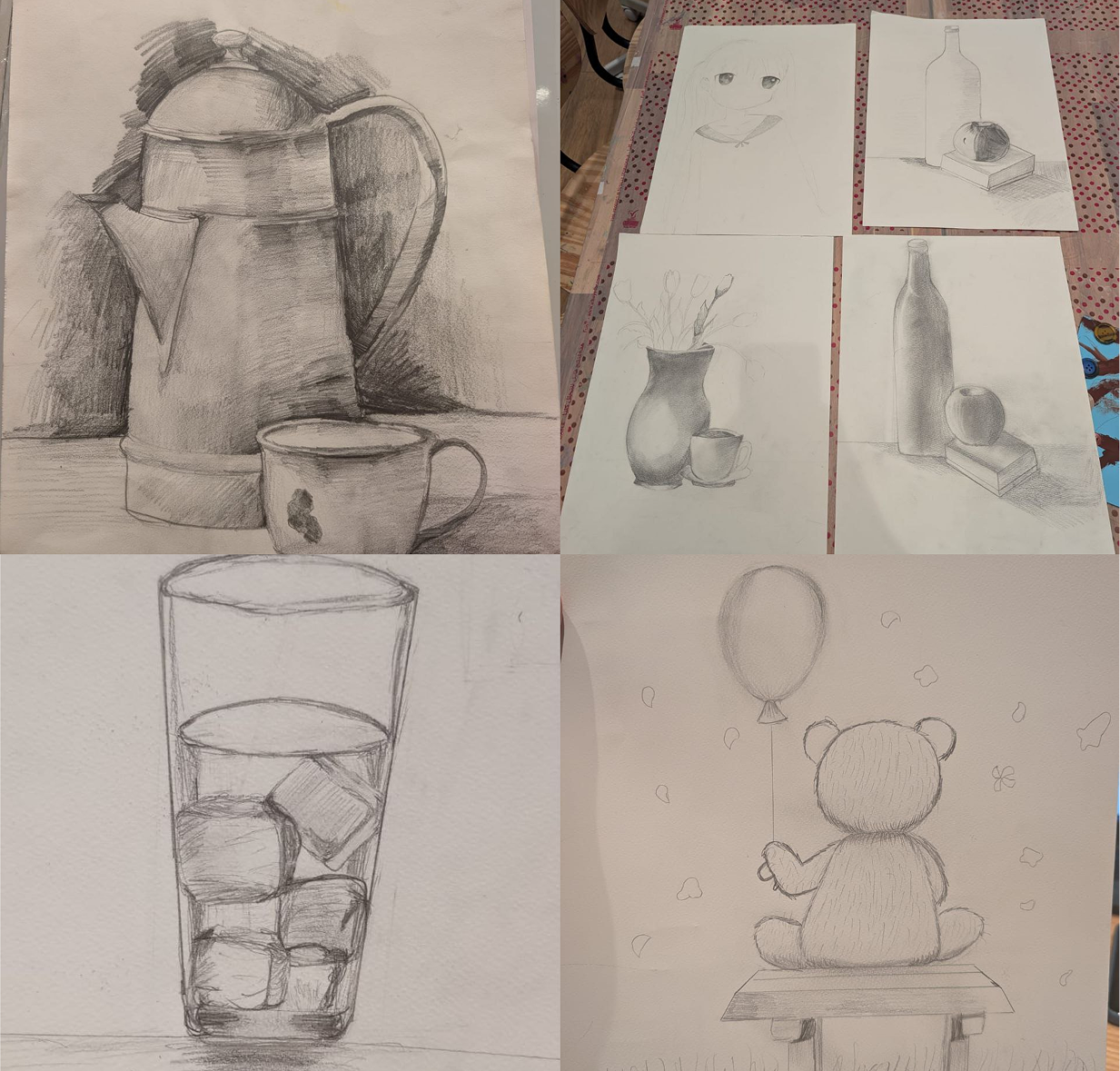
| Module | Core Focus | What Students Will Learn |
|---|---|---|
| Academic Foundations: Observation & Construction | Learning to observe accurately and follow a structured drawing process. | Sight-measuring, proportion checking, alignment, block-in from general to specific, center lines and axes, a clean sketch workflow, and confident correction of mistakes. |
| Still Life Drawing from Life | Studying real objects through carefully arranged still-life setups. | Composition with fruit, bottles, vases, and fabric; scale and placement; overlap and depth; negative space; accurate proportions; and believable relationships between objects. |
| Light, Shadow & Volume | Creating three-dimensional form through tonal study. | Light-source logic, core shadow, cast shadow, gradients, reflected light, tonal hierarchy, and modelling volume so objects and still lifes do not appear flat. |
| Texture & Material Rendering | Representing different surfaces realistically. | Techniques for glass, ceramic, metal, matte and glossy objects, fabric folds, fruit, and wood; hard and soft edge control; hatching; cross-hatching; and layered tone. |
| Human Anatomy Basics: Body Parts | Using an academic approach to simplified anatomy. | Constructing hands, feet, eyes, noses, lips, and ears from basic forms; proportion rules; introductory gesture; shading for volume; and structured reference drawing. |
| Composition & Drapery Studies | Building stronger compositions and understanding fabric as form. | Drapery fold types, rhythm, balance, focal points, object arrangement, and depth through foreground, middle ground, and background. |
| Drawing Techniques Toolkit | Developing technical control, clarity, and accuracy. | Line quality, line weight, cross-hatching systems, tonal block shading, controlled blending, clean edges, and presentation-ready finishing standards. |
| Painting for Academic Skills | Translating drawing knowledge into painting. | Underpainting and block-in, maintaining proportions while painting, value-to-color logic, basic color mixing, and controlled brushwork for still life and simple portrait studies. |
| Progress Tracking & Portfolio Basics | Building consistency and making improvement visible. | How to self-check proportions, maintain a sketchbook routine, apply teacher feedback, revise longer studies, and build a focused collection of academic still lifes and anatomy drawings. |
Learn More Hide Details
Description
Academic Art is a structured classical drawing course inspired by traditional art-school training. The program focuses on form construction, proportion, light and shadow, perspective, and composition.
Students gradually progress from simple observation exercises to more realistic and technically confident drawing. Through still life, object studies, portrait features, and body-part studies, they develop a disciplined artistic eye and a stronger ability to represent what they see accurately.
What Students Will Do
- Draw from life and from selected references, with a strong focus on still life and object observation.
- Study how forms are constructed and how proportions are measured and corrected.
- Practice light and shadow to create volume and believable depth.
- Use perspective and composition to make drawings balanced and spatially convincing.
- Render materials such as glass, fabric, ceramic, metal, wood, and fruit surfaces.
- Complete academic studies of eyes, noses, lips, ears, hands, and feet.
- Refine longer works through correction, critique, and careful finishing.
Skills Gained
- Observation: stronger sight-measuring and visual accuracy.
- Construction: a clearer understanding of form, proportion, axes, and object structure.
- Tonal Modelling: practical control of light, shadow, gradients, and volume.
- Composition: better placement, balance, focal areas, depth, and perspective.
- Realistic Rendering: improved ability to describe material, texture, and surface through drawing.
- Studio Discipline: patience, correction habits, sustained focus, and a more academic approach to art-making.
Materials Used
Graphite pencils, charcoal pencils, erasers, rulers, blending tools, watercolor, gouache, acrylic paint, toned and white paper, sketchbooks, geometric solids, still-life props such as fruit, drapery, vases, and bottles, plus selected reference studies.
Outcome
By the end of the program, students will have stronger observational accuracy, more confident construction and tonal skills, and a growing collection of structured academic drawings suitable for further art study and portfolio development.
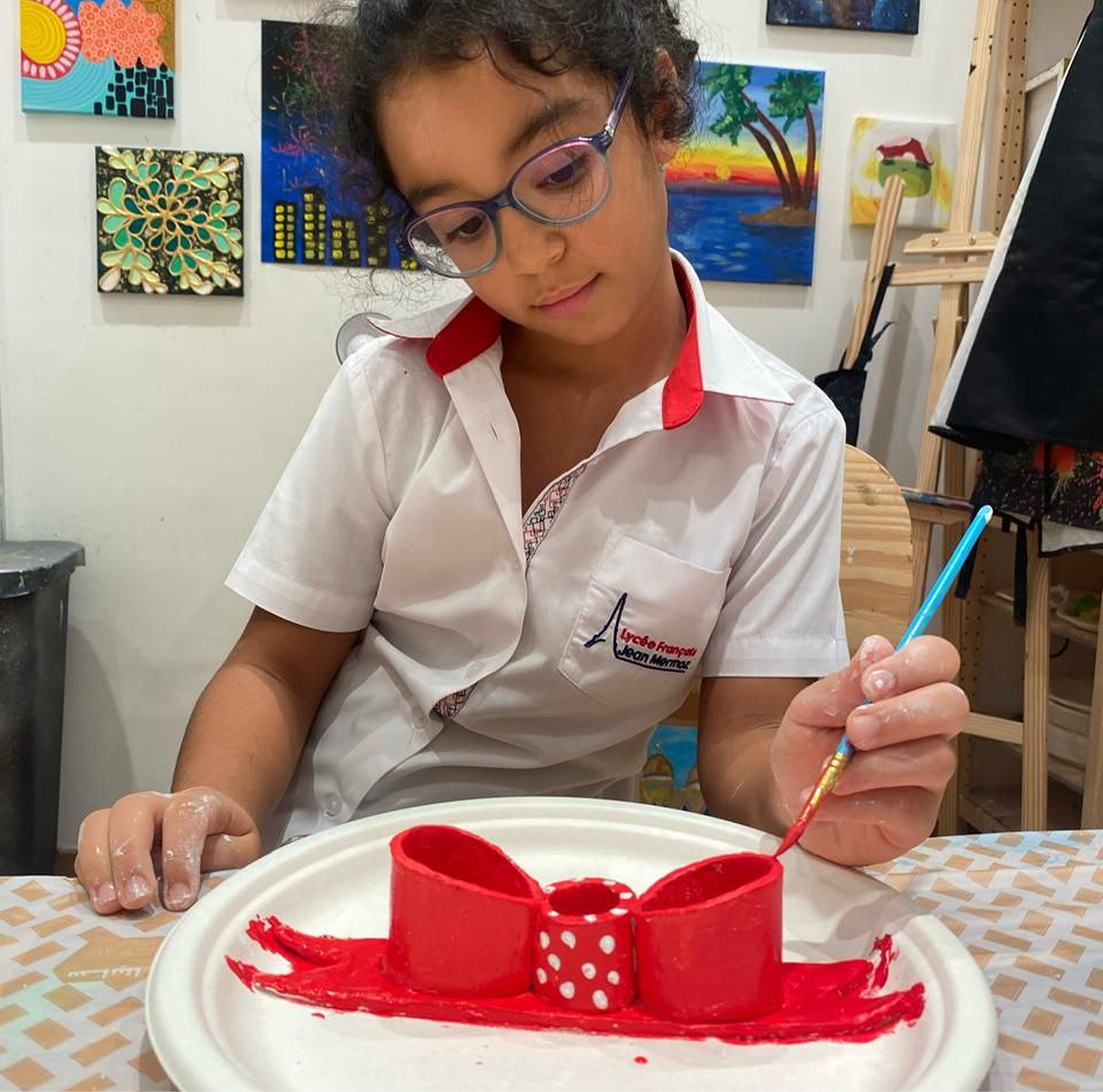
| Module | Core Focus | What Students Will Learn |
|---|---|---|
| Soft Air-Dry Clay Sensory Exploration | Exploring clay through touch, pressure, and movement. | How soft air-dry clay reacts to rolling, pressing, squishing, stretching, pinching, and smoothing, while developing comfort and confidence with the material. |
| Basic 3D Forms & Characters | Building with balls, coils, and simple sculptural shapes. | How to form simple animals, people, and playful characters using spheres, coils, flattened pieces, and attached parts. |
| Texture Discovery | Creating imprints, patterns, and tactile surfaces. | How to use stamps, natural materials, texture tools, and repeated marks to decorate surfaces and make each sculpture feel more expressive. |
| Decorative Clay Art | Painting and embellishing finished pieces. | How to add safe paint, simple color details, dots, patterns, and finishing accents that enhance a sculpture without overwhelming it. |
| Story Sculptures | Using clay to create small scenes, objects, and characters connected to a story. | How to combine shapes and ideas into simple story-based sculptures that reflect imagination, favorite themes, and personal expression. |
Learn More Hide Details
Description
This class is designed especially for young children and uses soft air-dry clay that is gentle and easy to handle with small hands. Students explore clay through sensory play, shape-building, and imaginative sculpting.
The focus is on fine-motor development, creativity, confidence, and self-expression rather than perfection.
What Students Will Do
- Roll, stretch, pinch, flatten, and shape soft clay in different ways.
- Build simple characters, animals, and objects using basic forms.
- Create textures with stamps, tools, and natural materials.
- Paint and decorate finished pieces with child-safe paints.
- Make small story-based sculptures and playful themed creations.
- Explore color, shape, and personality through three-dimensional work.
Skills Gained
- Fine-Motor Development: finger strength, grip control, and hand coordination.
- 3D Thinking: understanding volume, shape, and how forms connect in space.
- Material Awareness: learning how clay behaves when pressed, rolled, smoothed, or textured.
- Creativity: turning ideas, stories, and characters into simple sculptures.
- Confidence & Expression: making independent creative choices and enjoying the process of sculpting.
Materials Used
Soft air-dry modeling clay, child-safe texture tools, natural objects, stamps, rolling tools, simple sculpting accessories, and tempera or other child-safe paints for decoration.
Outcome
By the end of the course, children will be more confident working with clay, building simple three-dimensional forms, creating texture, and expressing ideas through imaginative sculptural play.
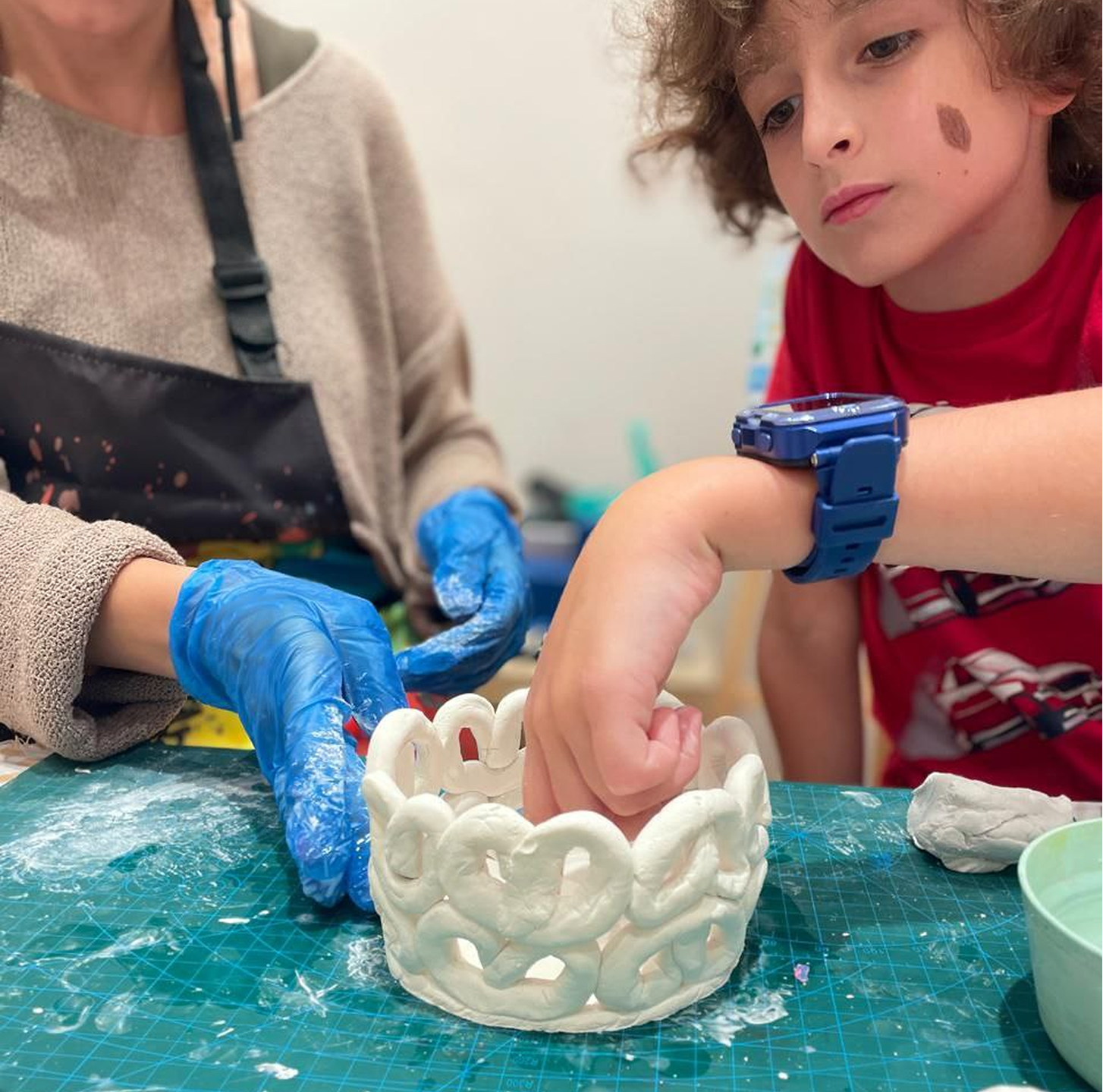
| Module | Core Focus | What Students Will Learn |
|---|---|---|
| Clay Structure & Construction Techniques | Building stable, well-formed sculptures and objects using air-dry clay. | Score-and-slip connection, strong bases, proper wall thickness, secure joining, simple support strategies, and how to reduce cracking or collapsing while clay dries. |
| Functional Art: Bowls, Vases & Candle Holders | Transforming clay into useful decorative objects. | Cylindrical and slab construction, forming containers, shaping bowls and mini vases, creating symmetry, designing decorative rims, and adding safe ventilation cutouts for candle holders. |
| Sculptural Design & Creative Forms | Modeling characters, animals, ornaments, and decorative objects. | How to turn simple geometric forms into figurines, animals, seasonal objects, keepsakes, and home décor while keeping forms balanced and expressive. |
| Surface Treatment: Texture, Carving & Pattern Work | Adding detail, depth, and visual complexity. | Carving lines and motifs, engraving, applying raised elements, stamping textures, smoothing surfaces, and using repeated marks to make work more polished and interesting. |
| Finishing Techniques: Painting, Glaze Effects & Varnishing | Presenting work professionally and increasing durability. | Layering acrylic color, dry brushing, basic blending, faux-glaze effects for a ceramic look, and sealing completed pieces with varnish for protection and shine. |
Learn More Hide Details
Description
The Clay Modeling course for ages 6–8 introduces children to the foundations of sculptural art and functional ceramics using professional air-dry clay. This class goes far beyond simple crafting—students learn how to build stable structures, sculpt detailed forms, design useful decorative objects, and finish their work with artistic polish.
At this age, children are ready to work with more resistant clay, refine motor control, plan designs in advance, and understand structural balance through guided projects.
What Students Will Do
- Build functional pieces such as bowls, mini vases, flower pots, pencil cups, and candle holders.
- Create decorative sculptures including animals, figurines, ornaments, and seasonal souvenirs.
- Practice joining pieces securely using score-and-slip.
- Carve, stamp, engrave, and layer surface decorations.
- Paint finished works with acrylics and add faux-glaze or varnish effects.
- Complete multi-step clay projects from structure to final presentation.
Skills Gained
- 3D Construction: stronger understanding of volume, structure, balance, and stability.
- Clay Technique: controlling thickness, preventing cracks, attaching parts securely, and refining surfaces.
- Decorative Design: using carving, relief, pattern, and texture to enrich a piece.
- Craftsmanship: planning steps, working carefully, and finishing artwork neatly.
- Problem Solving: learning how to strengthen shapes, fix imbalances, and improve form.
- Creative Confidence: designing objects with both artistic and functional value.
Materials Used
High-quality air-dry clay, loop tools, ribbon tools, wooden knives, carving sticks, texture tools, stamps, rollers, natural objects, acrylic paints in matte, glossy, or metallic finishes, detail brushes, sponge daubers, and matte or glossy varnish for sealing.
Outcome
By the end of the course, students will be able to build stronger clay forms, decorate them with texture and pattern, transform them into finished decorative or functional pieces, and present their work with greater confidence and care.
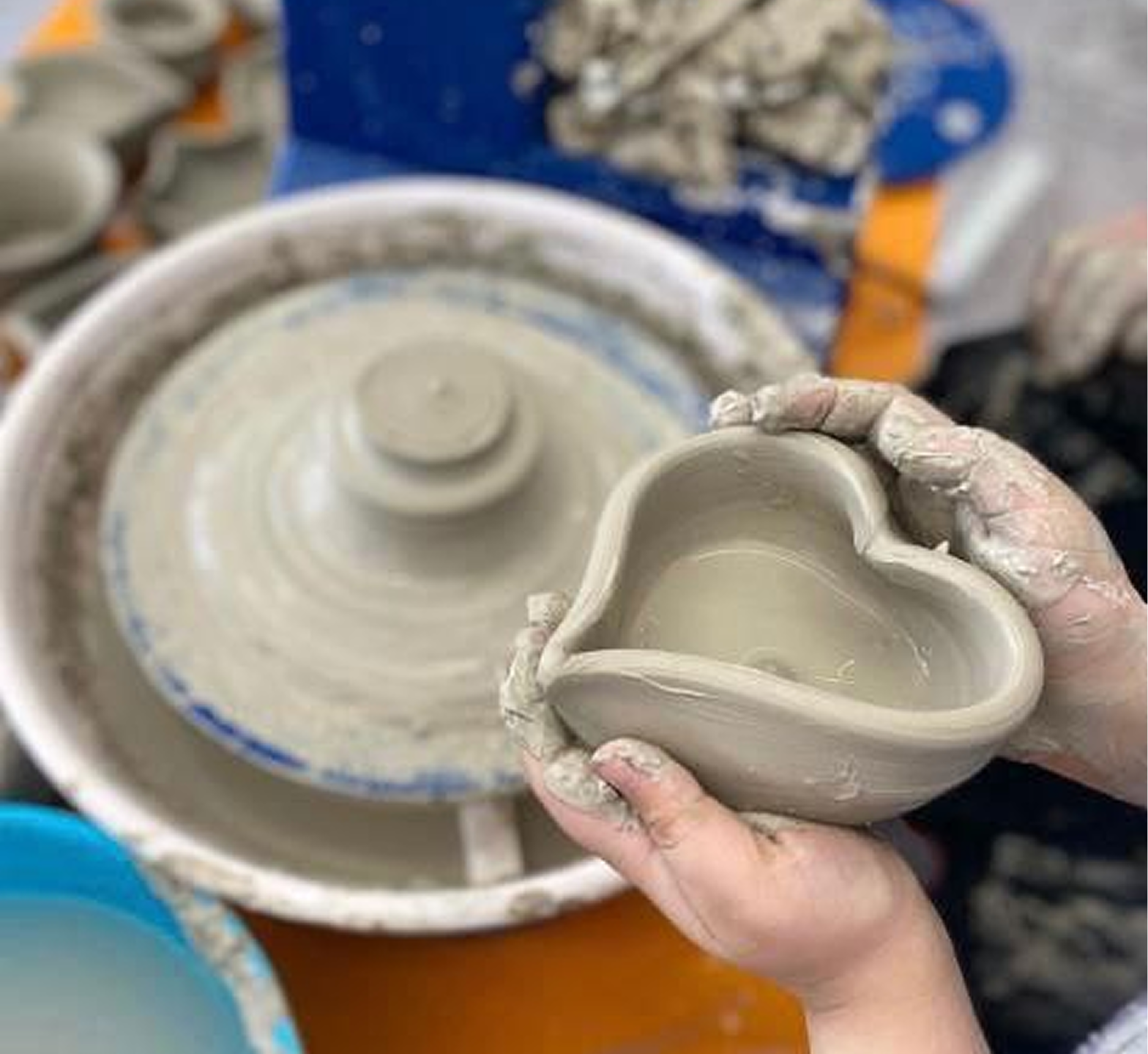
| Module | Core Focus | What Students Will Learn |
|---|---|---|
| Wheel Fundamentals: Centering & Clay Control | Body posture, hand positioning, centering, and controlling clay on the wheel. | How to center pottery clay safely, stabilize it without excessive water, maintain consistent pressure, prevent wobbling, and understand how studio clay behaves during wheel work. |
| Forming Decorative Vessels | Creating ornamental bowls, cups, cylinders, and sculptural containers. | Opening centered clay, pulling walls, shaping curves, forming simple decorative vessels, and understanding proportion, symmetry, balance, rim design, and controlled wall thickness. |
| Surface Refinement & Sculptural Additions | Trimming, smoothing, strengthening, and embellishing forms. | How to refine leather-hard pieces, smooth uneven surfaces, carve clean edges, and attach handles, sculpted motifs, or decorative elements while maintaining structural stability. |
| Artistic Design: Texture, Carving & Layered Decoration | Developing detailed, intentional surface design. | Engraving linear patterns, carving geometric and organic motifs, applying relief elements, creating texture with rollers, lace, leaves, and stamps, and preparing surfaces for painted finishes. |
| Finishing: Painting, Faux Glaze & Varnish | Completing decorative pieces with polish and protection. | Layering acrylic paints, creating gradients, adding dry-brush highlights, producing marble, speckled, metallic, and faux-glaze effects, and sealing finished pieces with varnish for sheen and durability. |
Learn More Hide Details
Description
This Pottery Wheel course is designed for students aged 9+ who want to explore wheel-thrown ceramics using studio-grade pottery clay. Because air-dry clay is not suitable for pottery-wheel work, students use clay specifically intended for centering and forming on the wheel.
The program emphasizes creative design, decorative craftsmanship, clay control, and artistic expression. Students learn foundational techniques inspired by real ceramic studios and adapted for young learners.
What Students Will Do
- Practice centering clay with correct posture and hand placement.
- Control clay movement and reduce wobbling while working on the wheel.
- Create decorative bowls, display cups, pencil holders, cylinders, and sculptural vessels.
- Pull walls, shape curves, refine rims, and improve symmetry.
- Carve patterns and add relief, handles, or sculptural attachments.
- Paint, dry-brush, add faux-glaze effects, and varnish completed work.
- Develop finished decorative objects suitable for display.
Skills Gained
- Wheel Technique: centering, opening, wall pulling, shaping, and maintaining even pressure.
- Clay Structure: understanding thickness, moisture, symmetry, balance, and stability.
- Surface Design: carving, texturing, engraving, and adding sculptural details.
- Finishing: painting, shading, faux glazing, varnishing, and presentation.
- Spatial Reasoning: visualizing form in three dimensions and making measured corrections.
- Motor Control: developing strength, precision, coordination, and sensitivity to pressure.
- Creative Expression: designing decorative objects with a more individual artistic style.
Materials Used
Studio-grade pottery clay, child-adapted pottery wheels, carving and trimming tools, sculpting tools, texture rollers, lace, leaves, stamps, brushes, sponges, shaping aids, acrylic paints in matte, gloss, and metallic finishes, plus protective varnish.
Important Note
The finished pieces are primarily decorative. Their suitability for holding water, food, or hot materials depends on the clay, firing, glaze, and studio process used for each specific project.
Outcome
By the end of the course, students will be able to center clay with greater confidence, create balanced decorative forms on the wheel, refine and embellish their surfaces, and complete display-ready pieces with polished painted finishes.
